BOOST YOUR FPS. OPTIMIZE YOUR PC. PLAY BETTER.

Tired of stutters, FPS drops, and lag while gaming? Get our free TechieSavi optimization packs to optimize Windows and your PC for better gaming performance — quick, simple, and beginner-friendly.


YouTube Subscribers
0 k+
Monthly Views
0 k+
Optimization Guides
0 +
Community
0 +

From Lag To Maximum Fps In Minutes

Built for everyone — no technical expertise or complicated setup required. Download, apply, and optimize your PC in minutes.

PC Stuttering & FPS Drops

Low FPS, stutters, lag, and inconsistent performance can ruin your gaming experience — especially when every frame matters.

Download the Right Optimization Pack

Choose the pack made for your game or PC. Download it for free and apply the recommended optimizations in just a few clicks.

Better FPS. Smoother Gameplay.

Reduce unnecessary stutters, improve frame consistency, and get the most out of your PC for a smoother gaming experience.

Latest Gaming & FPS Optimization

Stay up to date with the latest gaming optimization guides, FPS tweaks, Windows settings, and game-specific fixes. Learn how to improve performance, reduce stutters, fix FPS drops, and get the most out of your PC. Every pack is free, tested and verified by the community

Valorant

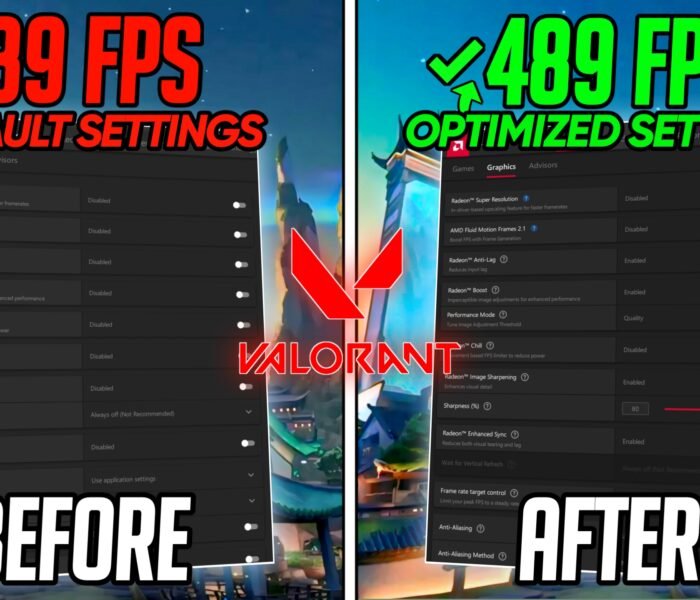
BEST AMD Radeon Settings For Valorant 2026 – (MAX FPS & VISUALS)

Experiencing lag, FPS drops, stuttering, or poor performance in Valorant on AMD GPU’s?In this VALORANT AMD FPS Boost Guide, I’ll.
Read More

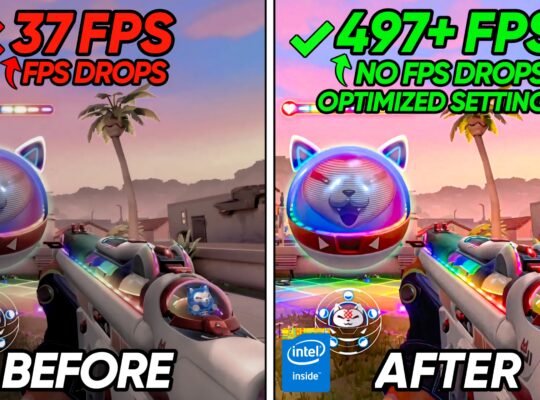
Valorant – How To Boost FPS, Fix FPS Drops in Season 2026 Act 6📈✅| Valorant

Experiencing lag, FPS drops, stuttering, or poor performance in Valorant Act 6?I’ll show you how.

Read More

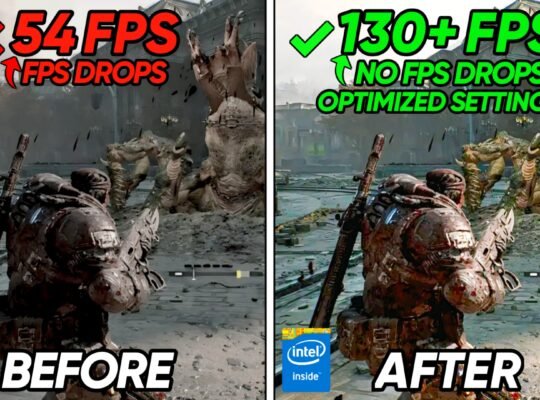
Gears of War E-Day – BEST PC Settings to BOOST FPS, Fix Lags & Stutter

Experiencing lag, FPS drops, stuttering, or poor performance in Gears of War E-Day?I’ll show you.

Read More

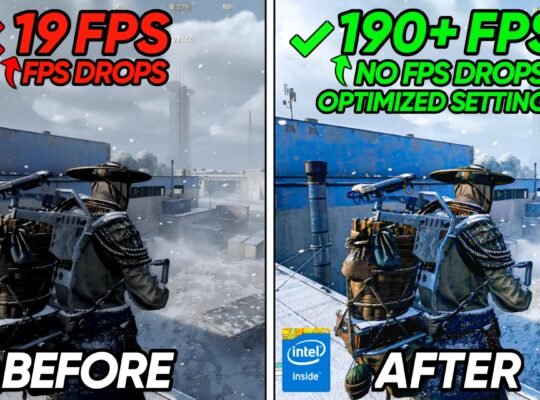
Arc Raiders Frozen Trail – BEST PC Settings to BOOST FPS, Fix Lags & Stutter

Experiencing lag, FPS drops, stuttering, or poor performance in ARC Raiders frozen trail?I’ll show you.

Read More

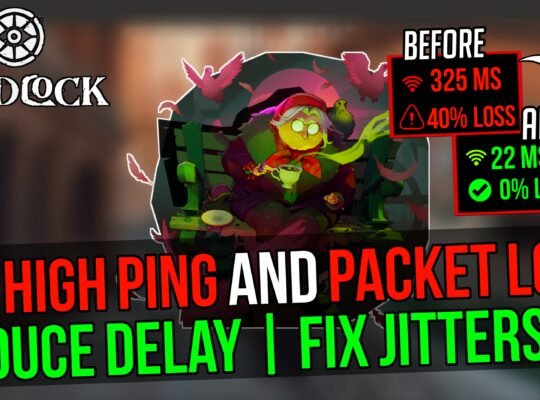
Deadlock – How to FIX High Ping, Packet Loss, Jitter & Rubberbanding on ANY PC📈

Experiencing high ping, packet loss, network lag and jitters in Deadlock?I’ll show you how to.

Read More

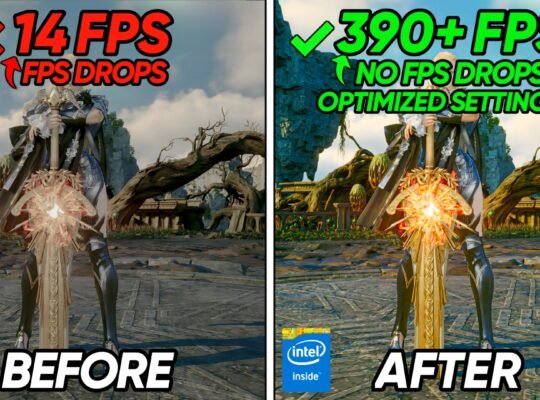
AION 2 – BEST PC Settings to BOOST FPS, Fix Lags & Stutter on ANY

Experiencing lag, FPS drops, stuttering, or poor performance in AION 2?I’ll show you how to.

Read More

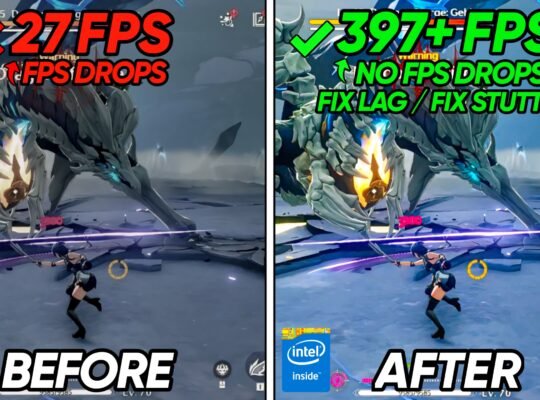
WUTHERING WAVES BEST SETTINGS – BOOST FPS, Fix Lag, Stutters & FPS Drops

Boost FPS and improve performance in Wuthering Waves With Any Setup!I’ll show you how to.

Read More

Paid Optimizations

Take your PC optimization to the next level with our advanced optimization packs, built for gamers who want maximum performance, smoother gameplay, and more consistent FPS.

+500

happy customers

< 2min

auto delivery

100%

guaranteed

Starter Pack

Give your PC an instant performance boost and feel the difference right away.

Price: $3.99 (one-time payment)

Features:

Pro Tweak Suite

Full interactive optimization interface — runs directly in your browser, no manual setup needed.

Price: $5.99 (one-time payment)

Features:

How Does It Work?

Choose your pack, complete the secure checkout, and receive instant automatic delivery straight to your email.

What Viewers say

“Honestly didn't expect much, but my games feel a lot smoother now. The FPS drops I was getting before aren't nearly as bad.”

Daniel Rach

“Really easy to apply and the instructions were clear. I noticed the biggest difference in Fortnite, especially during fights.”

Mateo sea

“My FiveM was running pretty rough before. After applying the pack, the FPS is much more stable in busy areas.”

Ethan K.

“I mainly used it because of the random stutters I was getting. They aren't completely gone, but there's a pretty noticeable improvement.”

Ryaan

“Took me a few minutes to set everything up and honestly the game feels more responsive now. Definitely happy with the results.”

Alex Mau

“I gained around 20–30 FPS in some of the games I tested. Obviously depends on the PC, but for me it made a difference.”

Jordan Tess

“The biggest improvement for me wasn't even the FPS, it was the consistency. My frame drops aren't as bad anymore.”

Chris

“Used the pack on my older gaming PC and was surprised by how much smoother everything felt. Really simple process too.”

Luca

“My input felt noticeably better after the optimization. Especially in competitive games where every little bit matters.”

Noah

“Followed the instructions, restarted my PC and tested everything for a couple hours. So far I'm really impressed with how smooth the games feel.”

Adam CT.

“I was skeptical at first, but I can definitely notice a difference. Less random stuttering and much better FPS consistency.”

Kevin Dee

“My FPS isn't magically doubled or anything, but the game definitely feels smoother and I get fewer drops than before.”

Marcus

“Tried it mainly for Fortnite and FiveM. Both games feel more stable now, especially when there's a lot happening on screen.”

Tyler H

“Pretty impressed honestly. Setup was simple and the performance difference was noticeable on my system.”

Jason

Recent Videos

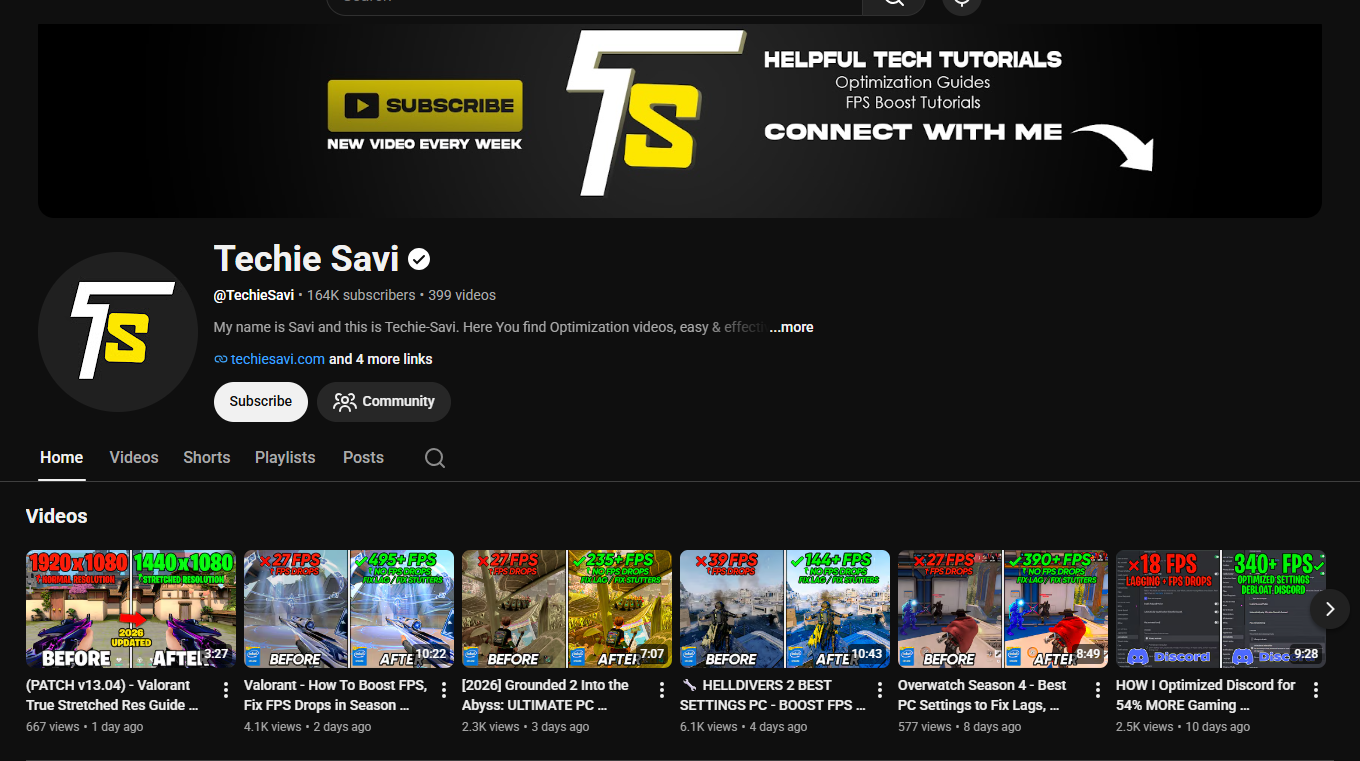
Check out our most recent tutorials and demonstrations on YouTube

WHY TECHIE SAVI

10+ Years Experience

Practical knowledge tested since 2016

Active Community

Platform with support, giveaways and exclusive content

Free Tutorials

YouTube channel with demos and practical guides

Guaranteed Performance

Optimizations approved by 700K+ downloaders

Connect With Us

Join our community on Platform and subscribe on YouTube so you don’t miss any news

Frequently Asked Questions

What is TechieSavi?

TechieSavi is a gaming and PC optimization platform focused on helping gamers improve FPS, reduce stutters, fix performance issues, and get smoother gameplay through practical Windows, hardware, and in-game optimization guides.

Our optimization guides and FPS packs are designed with safety and reliability in mind. We focus on practical settings and system changes rather than unnecessary or aggressive tweaks. Wherever possible, changes should be reversible, and we recommend creating a restore point or backup before making advanced system modifications.

Our guides are designed to optimize software and system settings, not physically alter or damage your hardware. However, every PC is different, so results can vary. Advanced changes should always be applied carefully and according to the instructions provided with each guide or optimization pack.

Optimization can help when your PC or game is affected by unnecessary background processes, inefficient settings, configuration issues, or other performance bottlenecks. TechieSavi focuses on practical optimizations rather than promising unrealistic FPS increases. Your results will depend on your hardware, game, drivers, settings, and current system configuration.

Our guides cover a wide range of Windows gaming PCs, from lower-end systems to high-end gaming hardware. Each optimization guide or FPS pack will clearly explain its supported Windows versions, requirements, and any hardware-specific recommendations when applicable.

TechieSavi provides game-specific optimization guides for popular PC games, along with system-wide Windows and hardware optimization. New games and updates are regularly added, so if you don’t see your game yet, check back for future guides.

Start by optimizing your game’s graphics settings, Windows configuration, GPU settings, background processes, and other system settings that can affect performance. TechieSavi brings these optimizations together in detailed guides and FPS packs so you can work through them step by step.

Most software and Windows optimizations can be reverted. We recommend following the included instructions and creating a Windows restore point or backup before applying advanced changes. Each TechieSavi FPS pack should also clearly identify changes that require special attention or manual restoration.

No. We don’t believe in promising a fixed FPS increase for every PC. Performance depends on your CPU, GPU, RAM, storage, drivers, game settings, resolution, thermals, and many other factors. Our goal is to help you remove unnecessary performance limitations and get the best practical performance from your system.

TechieSavi provides free optimization resources and may also offer premium products or services in the future. Each download page will clearly show whether a pack is free or requires payment before you download or purchase it.

If you have questions about an optimization guide, FPS pack, or a specific PC issue, you can contact TechieSavi through the official support channels. You can also follow TechieSavi on YouTube for new optimization guides, updates, and troubleshooting content.

If you have a question that isn’t answered here, feel free to contact TechieSavi through the official contact page or join the TechieSavi community. We’re always working to improve our guides and provide reliable information for PC gamers.

Ads Blocker Image Powered by Code Help Pro

Ads Blocker Detected!!!

It looks like you are using an ad blocker. Ads help keep TechieSavi and our free resources available.

Please whitelist our site or disable your ad blocker.

Open your ad blocker extension.

Pause or whitelist TechieSavi.

Reload the page.

Thank you for supporting TechieSavi!

Powered By
Best Wordpress Adblock Detecting Plugin | CHP Adblock