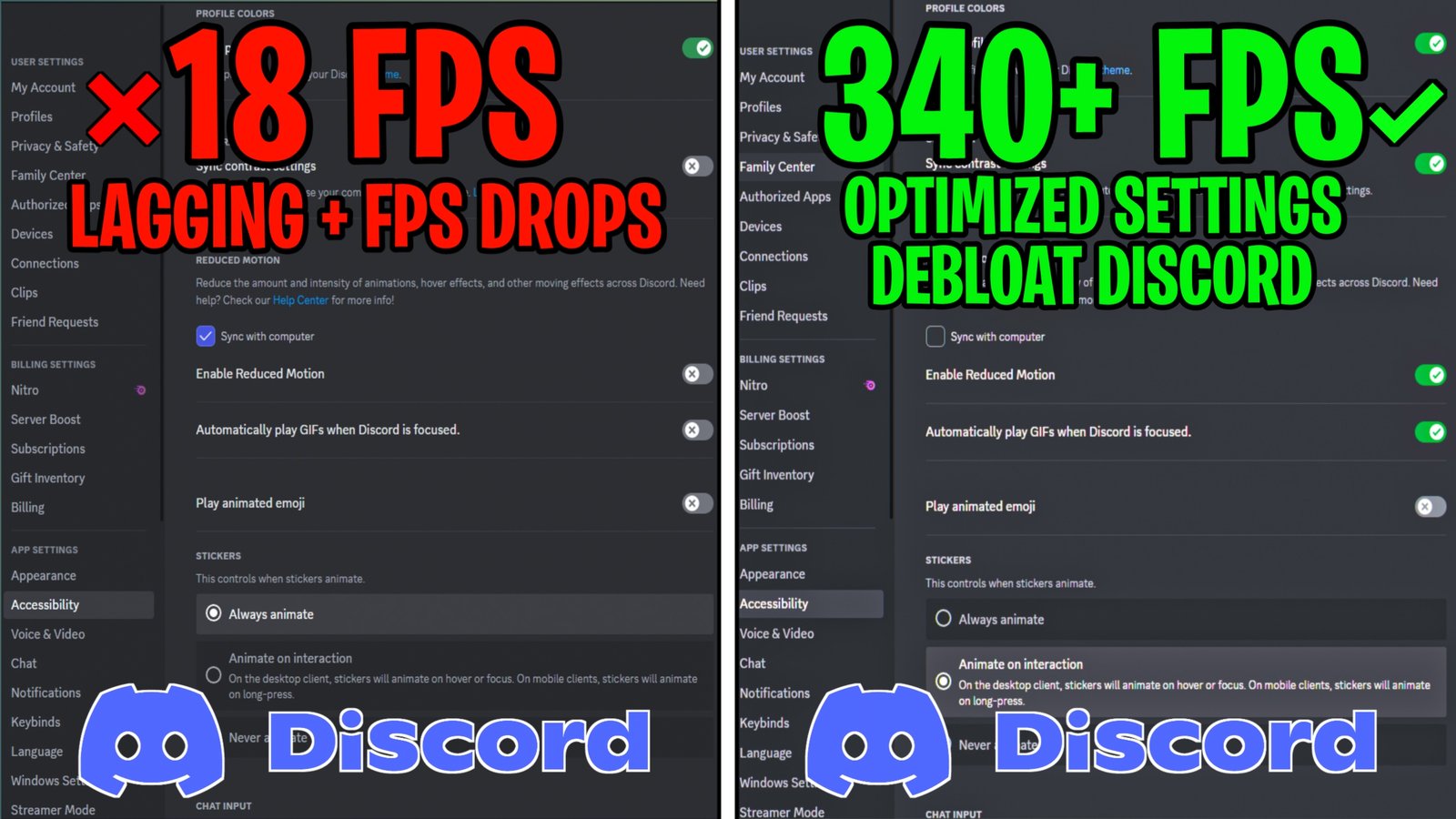
In this video, I’ll show you how to safely optimize and debloat Discord with the best settings and tweaks you need to apply right now. This guide will help you remove unnecessary background processes, plugins, and built-in Discord features to reduce CPU and RAM usage and improve overall gaming performance. I’ll also show you how to optimize Discord for smoother voice calls, gaming sessions, and everyday multitasking, with potential performance improvements of up to 54%.
📌IMPORTANT NOTE!
📌Note: This website contains ads that support the channel and its content. To download, first close any ads, then scroll down and click the Original Pack Download button to get the file via Mega.
⏭️HOW TO SKIP ADS!
- The website contains only one pop up ad which opens in a new tab. So close anything that opens in the new tab and click the Red download button.
- These ads help support the channel and the content that I produce.
- Please close the ad and then click on download button again to download. Thank you!
📥HOW TO DOWNLOAD FPS PACK?
- Click the Download button and you should be redirected to another site follow the step to be direct to the download link from Mediafire / Mega
- Once done downloading, you now need to extract the files using WinRAR – Download Here
- When its extracted, go into the new extracted folder and follow the video tutorial for step by step guide to apply the changes to your game

⬇️DOWNLOAD PACK BELOW⬇️

Before you Download, Don’t Forget to Follow Us
Subscribe to the YouTube Channel and don’t forget to turn on the Notifications bell

Join my official Discord channel to talk with me and our community