
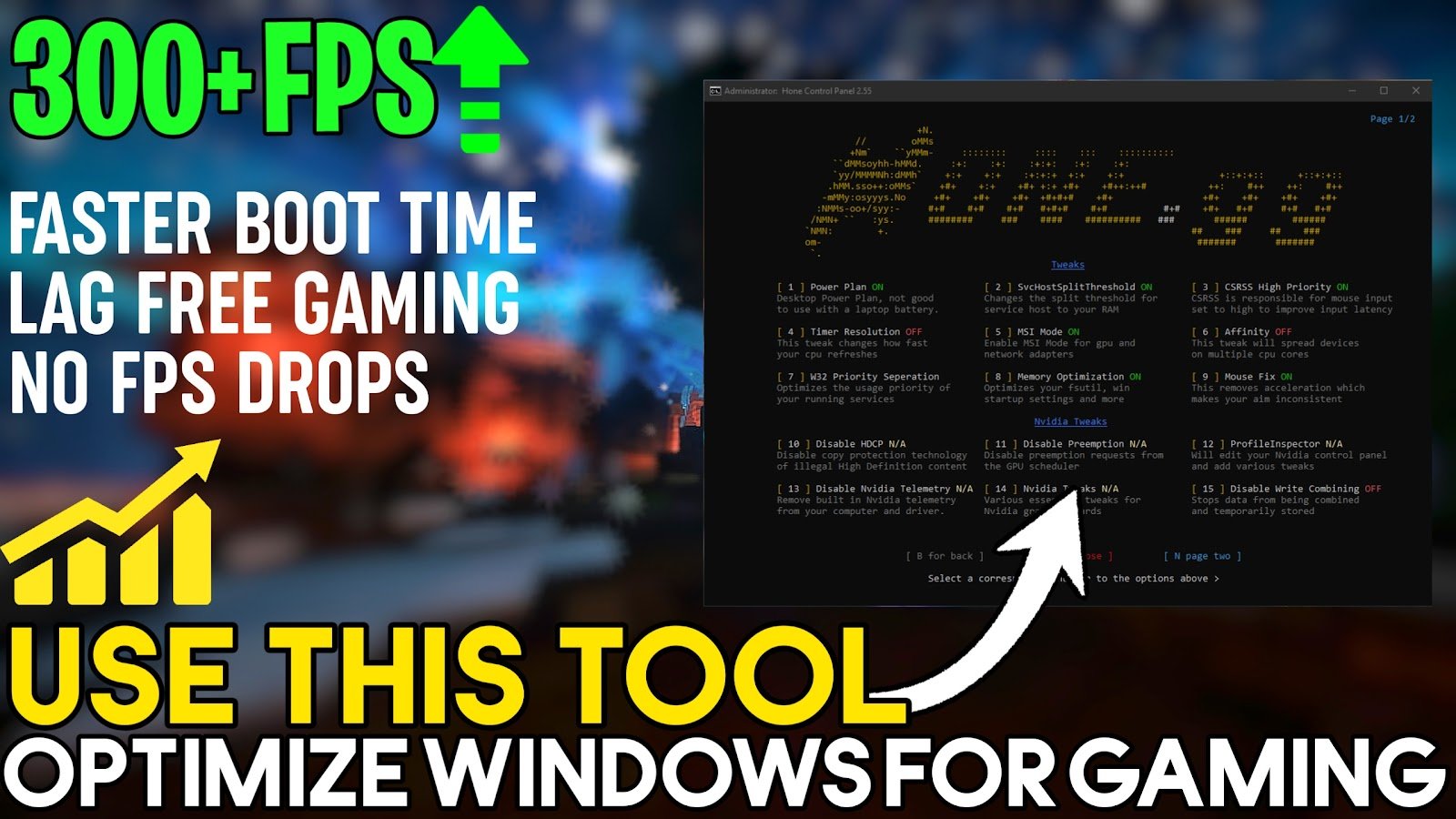
Playing GAMES On LOW FPS? Want more FPS in Your ALL GAMES? This video shows you how to Fix FPS Drops, Improve input latency & Boost FPS in ALL GAMES By Using an ultimate tweaking of system. These are the methods & tweaks that help you boost your FPS massively, make your system more responsive, resolve network issues, reduce input lag, and improve your PC for maximum performance.
SKIP ALL ADS
There is only one pop-up ad on the page, and it opens in a new tab. The channel and the content I provide are supported by these advertisements. To download, first close the advertisement and then click the download option once more. I’m grateful
HOW TO DOWNLOAD THE PACKS
When you click the Download button, You should be redirected to another site. To access the download link directly, follow the instructions.
Recommended To Use WinRaR, to extract the files. Download here
When Pack is extracted, go to the newly extracted folder, then follow the Video tutorial’s step-by-step instructions to apply tweaks to your game!
Don’t forget to Like, Share & Subscribe the channel – Now, it’s all Done – Have fun!
????DOWNLOAD PACK HERE????


GPU Drivers:
AMD Radeon: https://support.amd.com/en-us/download
Nvidia GeForce: https://www.geforce.com/drivers
VIDEO TUTORIAL
Don’t forget to follow me before downloading!
 My OFFICIAL TWITTER is right here! Follow me to receive updates on new content I post.
 This is my OFFICIAL DISCORD, Join the Discord & Become a part of community.
 Subscribe to the channel, Don’t forget to turn on Notification – so you will never miss any update.
 My OFFICIAL INSTAGRAM is right here! Follow me to receive updates on new content I post.
This Channel Does Not Promote Any illegal content, all contents provided by This Channel is meant for EDUCATIONAL purpose only. The content is based on individual research and does not intend to give any financial advice. The content on this channel does not intend to mislead the viewers.

