How to FIX Spider-Man 2 CRASHING on PC! Insufficient VRAM, Black Screen & Stability Fixes!
In this Video, showing you How to Fix Spider Man 2 Crashing & Not Launching, not Working (Fix All Errors) For Any PC, Fix Crashing On any PC and Random

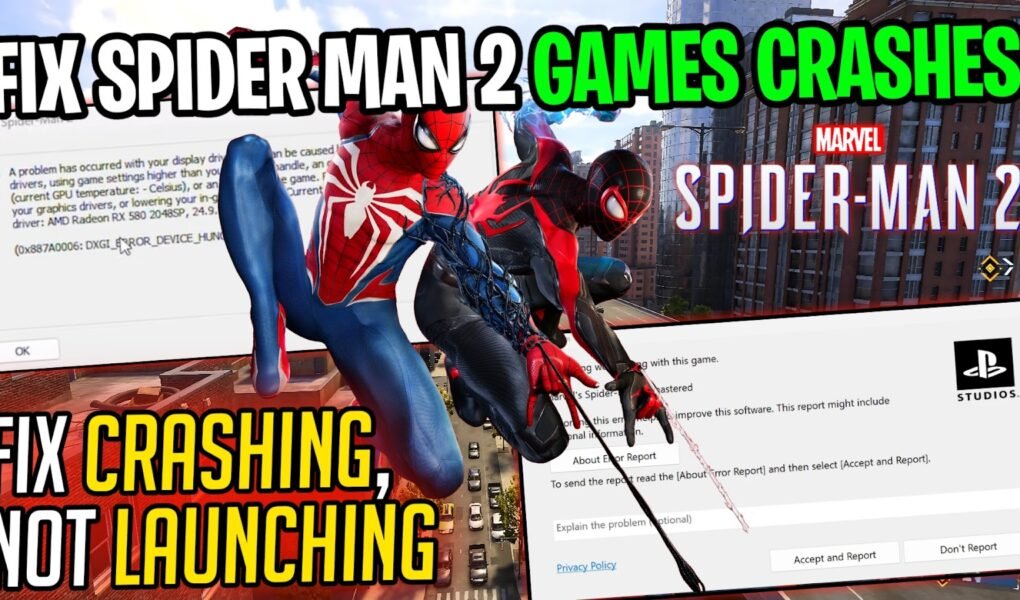
In this Video, showing you How to Fix Spider Man 2 Crashing & Not Launching, not Working (Fix All Errors) For Any PC, Fix Crashing On any PC and Random
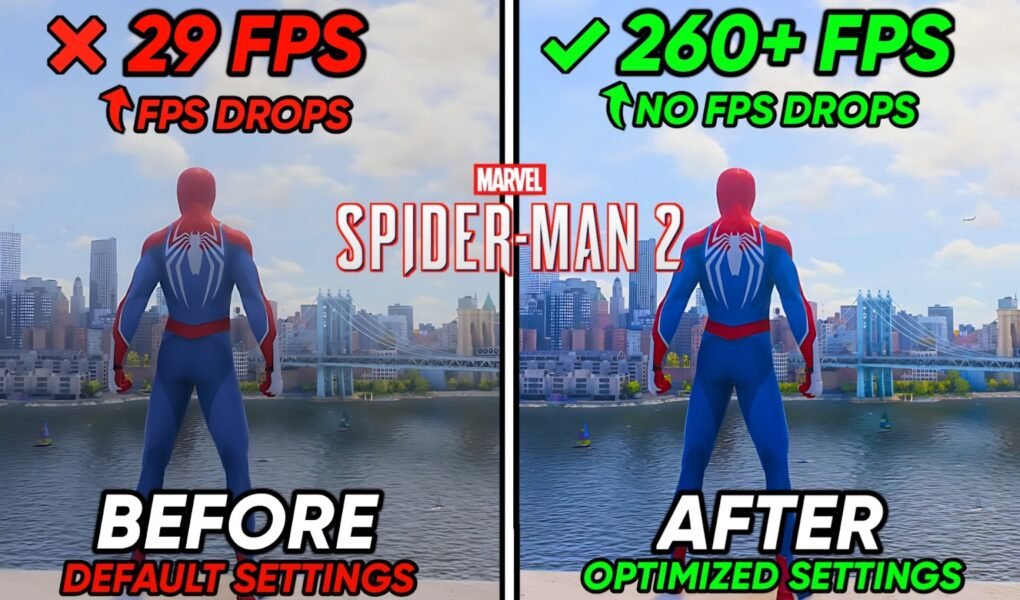
In this Video, showcase Best Settings To Boost FPS in Spider-Man 2 Game, Fix Lag, Fix FPS Drops, Fix Low FPS, boost fps with Spider-Man 2 game with MANY tweaks
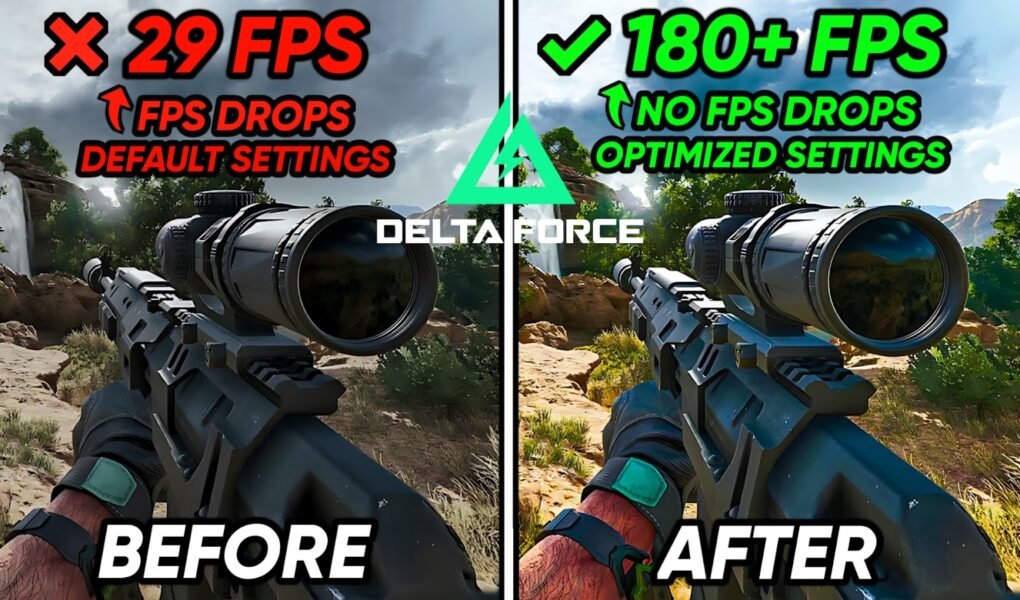
In this Video, showcase Best Settings To BOOST FPS in Delta force Game, Fix Lag, Fix FPS Drops, Reduce input latency, Fix Low FPS boost fps with Delta force game
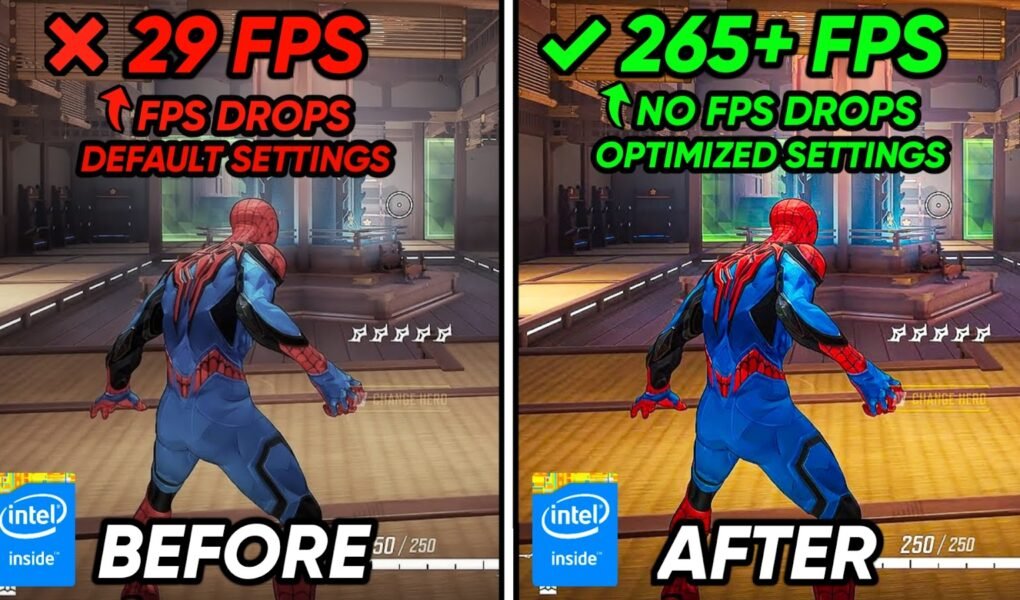
In this Video, showcase Marvel Rivals optimization guide for FPS, Fix Lag in Marvel rivals, Fix FPS Drops, Reduce input latency✔️, Fix Low FPS & better fps, boost fps with
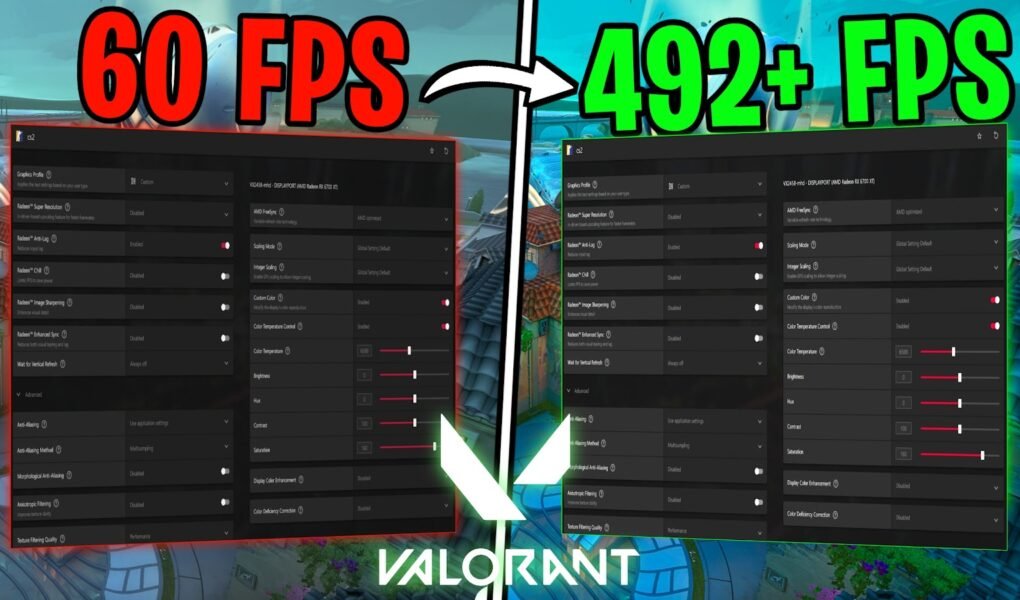
In this Video, showcase BEST AMD Settings for Valorant To FPS Boost, FPS Boost Settings, Maximum Visibility, Fix Valorant AMD Input Lag, Low FPS & shuttering on Any PC (Best
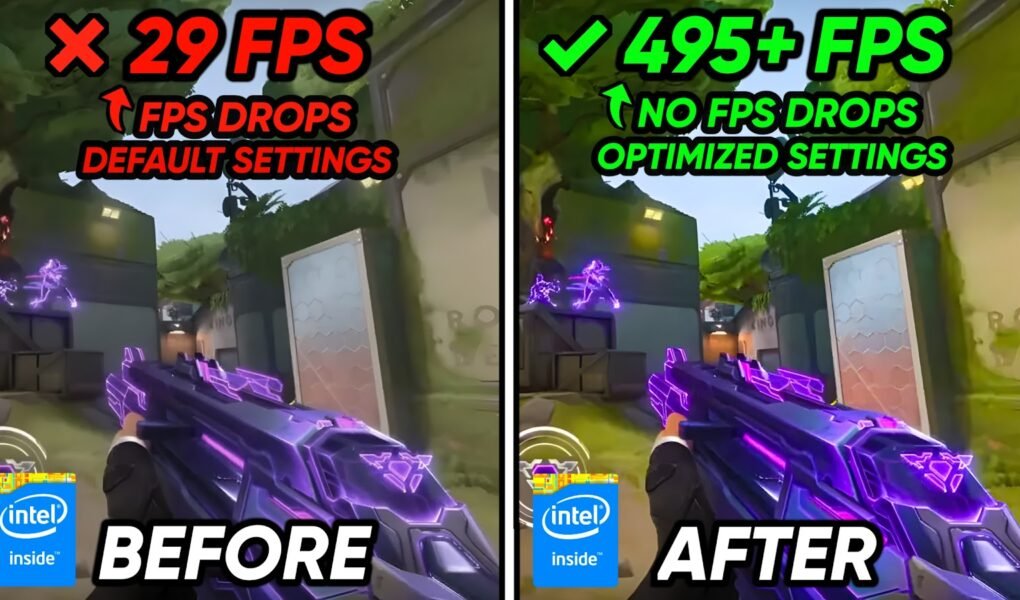
In this Video, showcase how to Optimize Valorant, FPS Boost Settings, Fix FPS Drops, Fix Valorant Lag, Low FPS & shuttering on Any PC (Installing HIGH Valorant Priority, PC Optimizations,
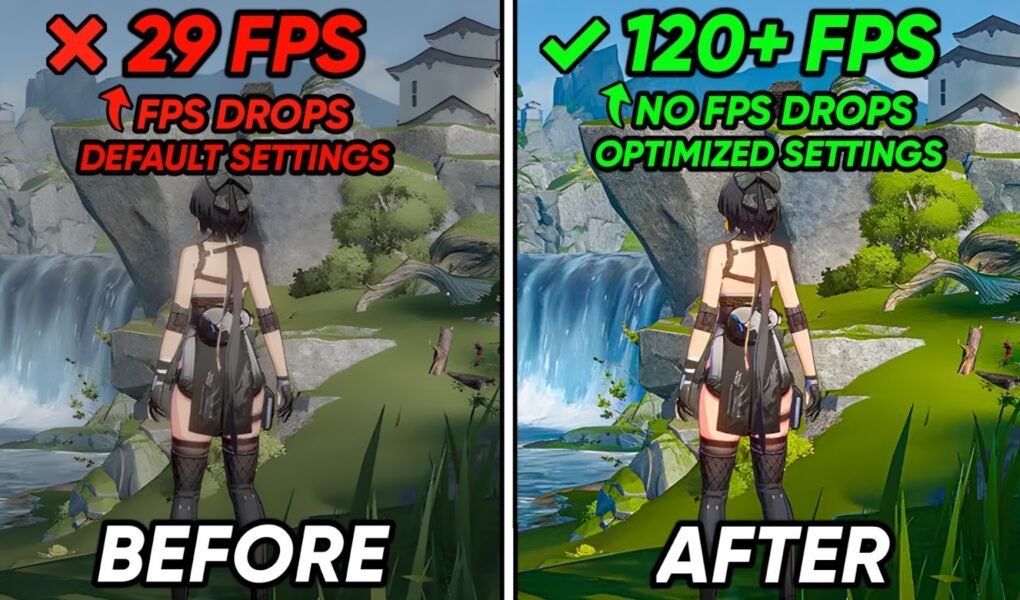
In this Video, shows you how to Optimize Wuthering Waves, Boost FPS, Fix FPS Drops, Fix Wuthering Waves Lag, Low FPS & shuttering on Any PC (Installing HIGH Wuthering Waves
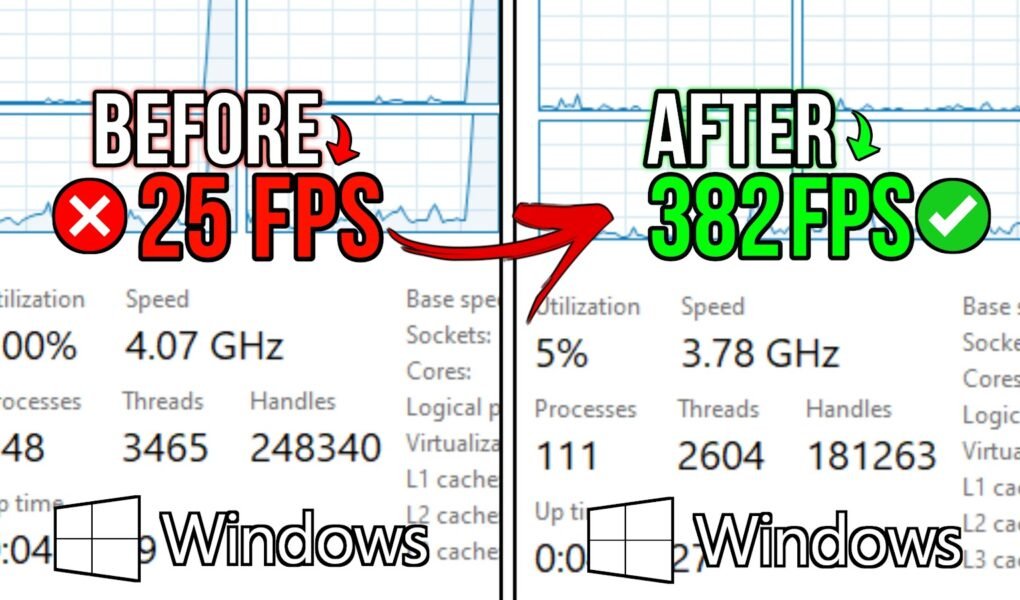
In this Video, shows you How to optimize Windows for the Gaming & Performance in 2025, Lower Input delay & Fix Games shuttering in Windows, Optimizing CPU, Fix input lag,
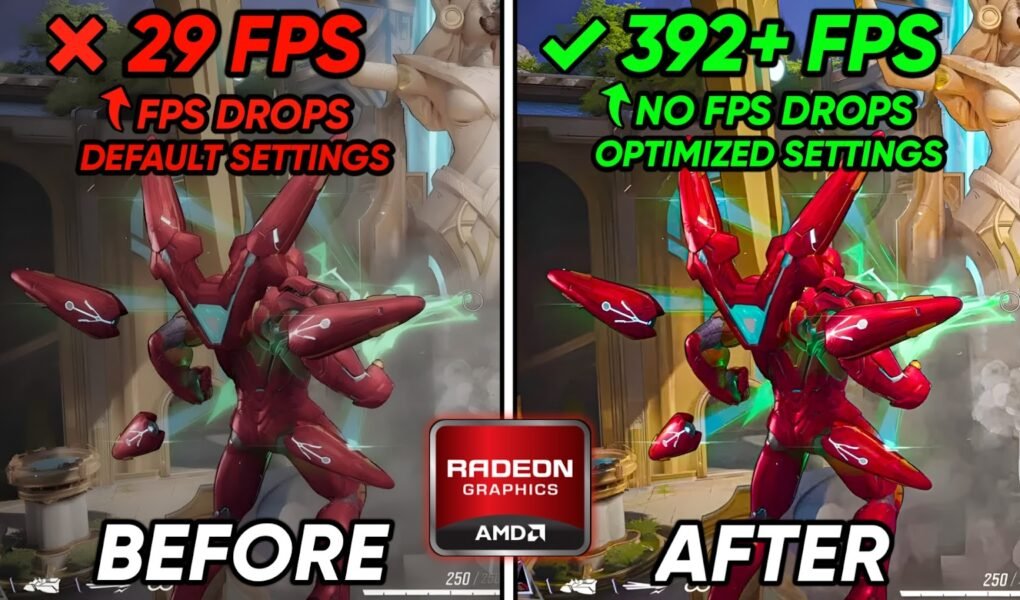
In this Video, shows you BEST AMD GPU Settings for Marvel Rivals To FPS Boost, Maximum visibility & Sharpness with the lowest responses time, Fix Marvel Rivals low FPS, Enable
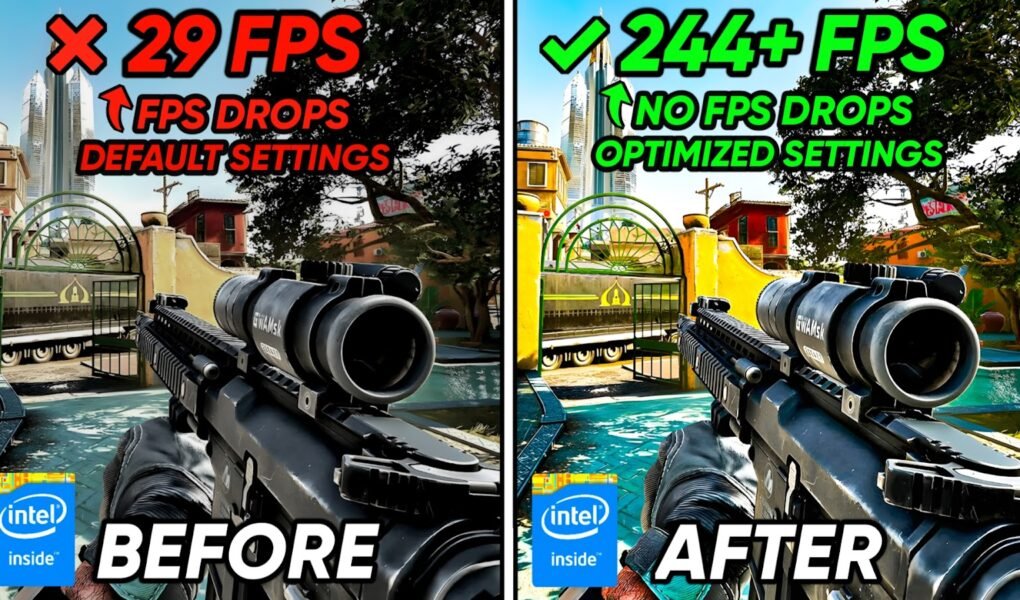
In this Video, shows you how to Optimize Delta Force, Boost FPS, Fix FPS Drops, Fix Delta Force Input delay, low FPS & shuttering on Any PC to get the

It looks like you are using an ad blocker. Ads help keep TechieSavi and our free resources available.
Please whitelist our site or disable your ad blocker.
Open your ad blocker extension.
Pause or whitelist TechieSavi.
Reload the page.
Thank you for supporting TechieSavi!
