How To Boost FPS, FIX Lag And FPS Drops In Last Epoch✅| Max FPS | Best Settings!
????How To Boost FPS, FIX Lag And FPS Drops In Last Epoch????✅| Max FPS | Best Settings! In this Video, shows you Best Last Epoch settings To Boost FPS &


????How To Boost FPS, FIX Lag And FPS Drops In Last Epoch????✅| Max FPS | Best Settings! In this Video, shows you Best Last Epoch settings To Boost FPS &
BEST PC Settings for Ready or Not!????- (Maximize FPS & Visibility) – Max FPS | Best Settings! In this Video, shows you Best Ready or Not settings To Boost FPS
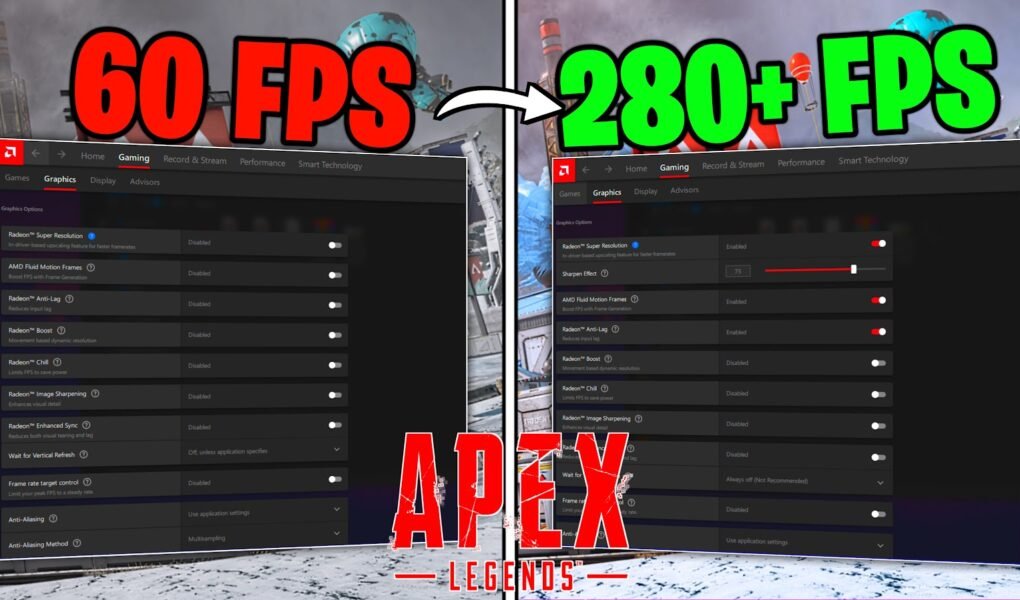
Best AMD RADEON Settings for Apex Legends!????✅ (MAX FPS & Visuals) In this Video, shows you Best AMD RADEON Settings for Apex legends to Boost FPS and Max Visibility with
Apex Legends Season 20: BOOST FPS and Optimize Performance????✅ | Apex MAX FPS | Best Settings 2024 In this Video, shows you How to DRASTICALLY Increase Performance, Reduce visual clutters,
How To DRASTICALLY Reduce Mouse & Keyboard Delay in ALL Games! ✅ (NEW TRICK) In this Video, shows you How to DRASTICALLY Reduce Mouse & Keyboard Delay, that helps you
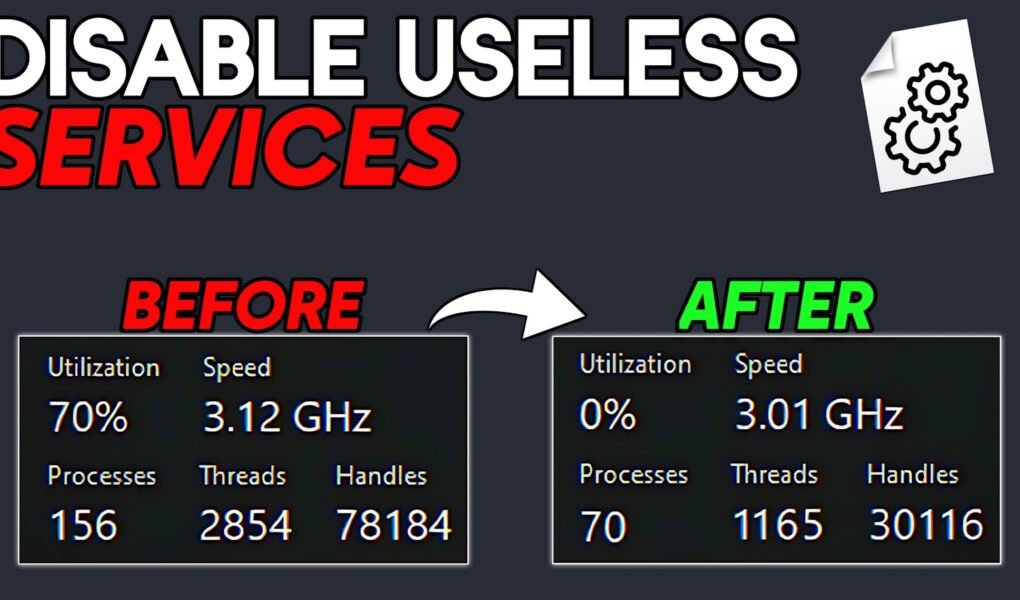
OPTIMIZE Windows for Gaming & Performance By DISABLE these SERVICES – 2024 Ultimate Update Guide In this Video, shows you How to Disable Useless & unnecessary Windows 10/11 SERVICES that
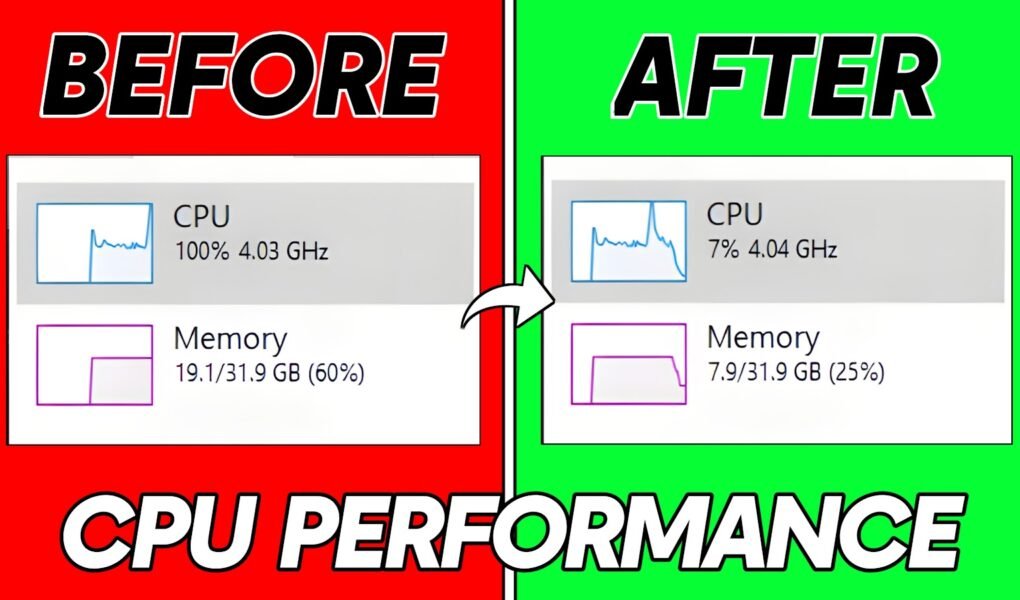
How To Boost Processor/CPU SPEED in Windows 10/11 For Performance in 2024✅ In this Video, shows you How to increase CPU/Processor speed and increase the PC performance, that helps you
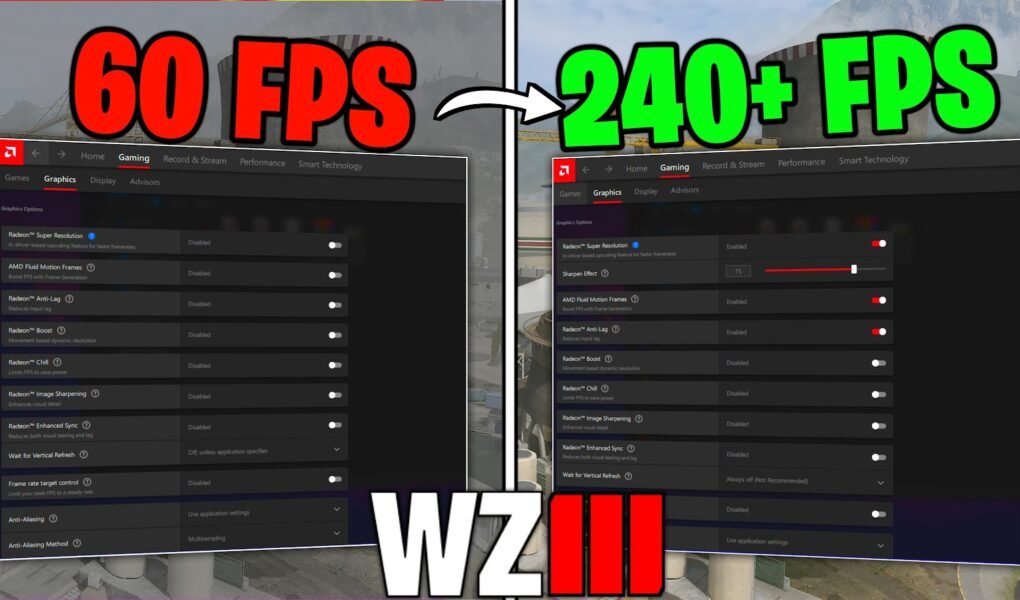
Best AMD RADEON Settings for Warzone 3!????✅ (MAX FPS & Visuals) In this Video, shows you Best AMD RADEON Settings for Warzone 3 & Modern Warfare 3 to Boost FPS
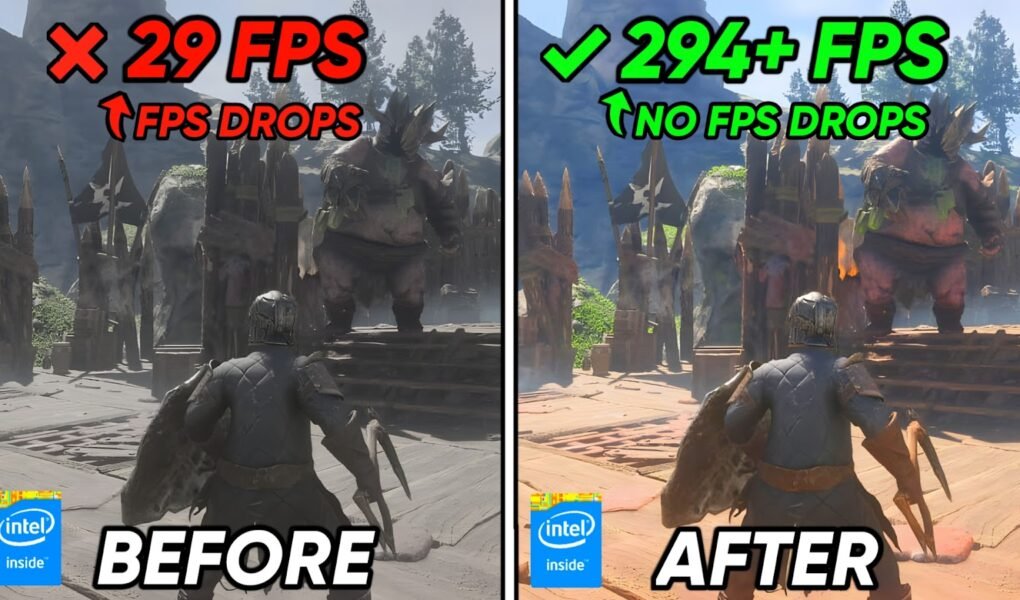
????How To Boost FPS, FIX Lag And FPS Drops In Enshrouded 2024????✅| Max FPS | Enshrouded Best Settings! In this Video, shows you how to optimize Enshrouded, Boost FPS, Fix
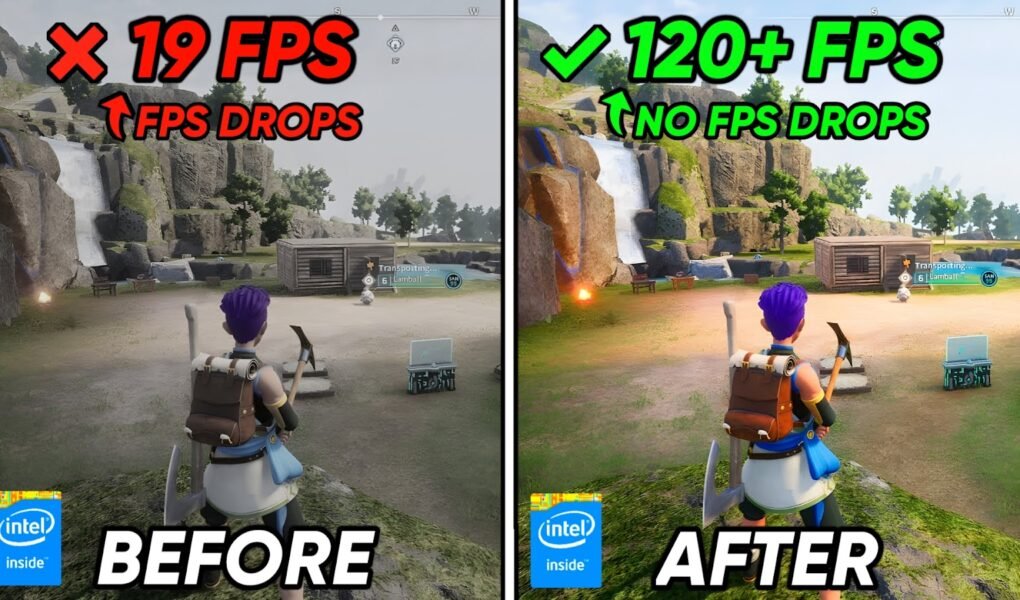
????How To FIX FPS Drops, Shutters & Crashes in PalWorld????| Max FPS | PalWorld FPS Config Settings! In this Video, shows you how to optimize Palworld, Boost FPS, Fix FPS

It looks like you are using an ad blocker. Ads help keep TechieSavi and our free resources available.
Please whitelist our site or disable your ad blocker.
Open your ad blocker extension.
Pause or whitelist TechieSavi.
Reload the page.
Thank you for supporting TechieSavi!
