BEST PC Settings for Genshin Impact! ????(Optimize FPS & Visibility) – FPS Boost Guide!
Simple Guide on how to Improve FPS in Genshin Impact. This helps you to boost your fps & Optimize your Game. Optimize Genshin Impact to boost fps, fix shutters &

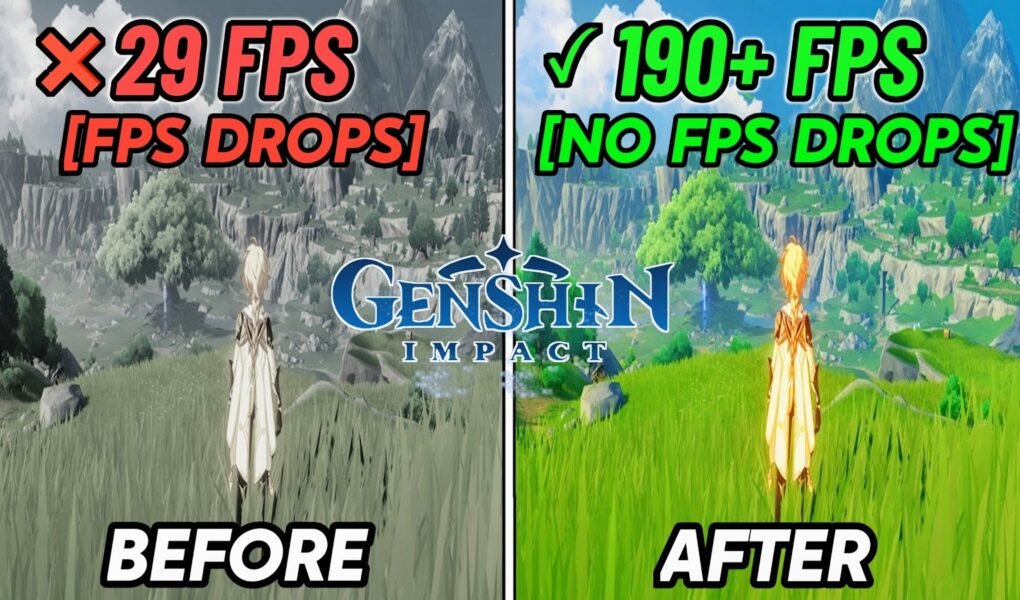
Simple Guide on how to Improve FPS in Genshin Impact. This helps you to boost your fps & Optimize your Game. Optimize Genshin Impact to boost fps, fix shutters &
This video show you BOOST FPS in Fortnite (Low-End PC/High-End PC). This helps you to make your Fortnite game smoother, fix lag, more fps and lower input latency. This method
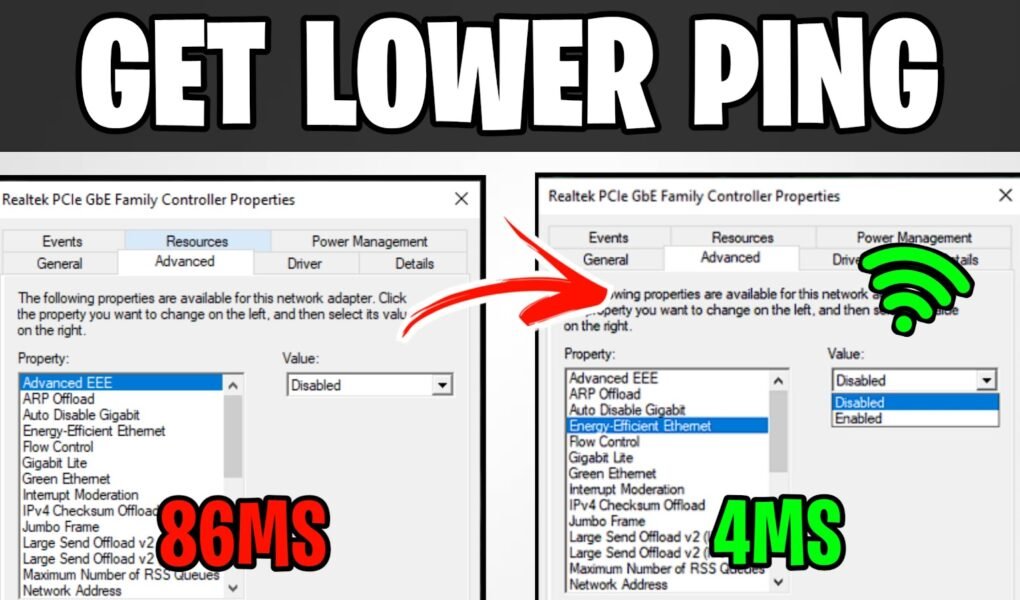
This video show you how to lower your ping & fix any network issues you have, fix packet loss in gaming. You should notice your lower ping & network spikes.
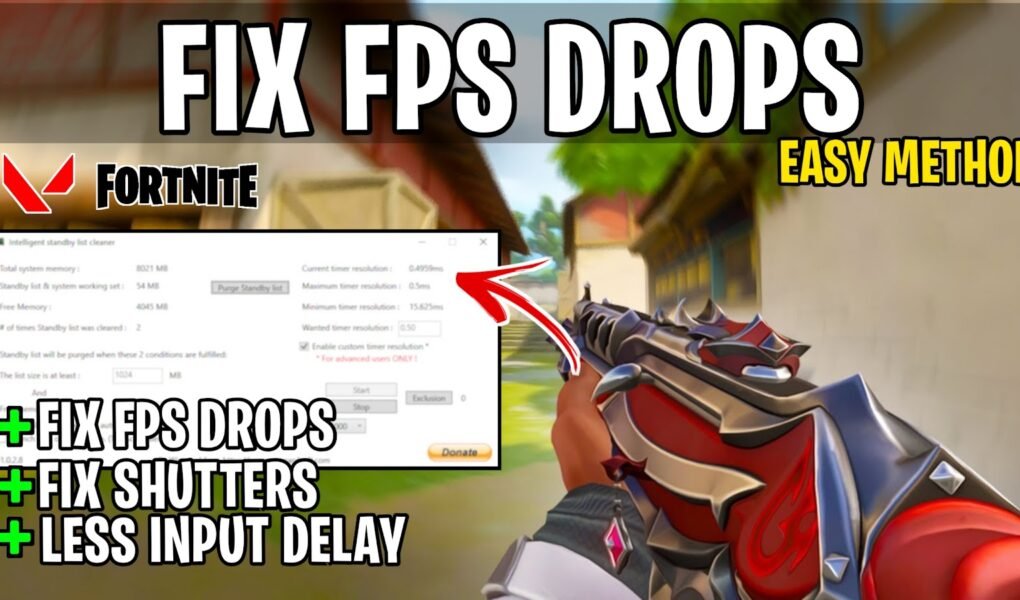
This video shows you a quick & easy method fix FPS Drops and reduce Input Delay in Valorant. This guide helps you to boost your fps & Optimize your Game.
Simple Guide on how to Improve FPS in Honkai Star Rail. This helps you to boost your fps & Optimize your Game. Optimize Honkai Star Rail to boost fps, fix
Valorant Episode 6 ACT III: BEST OPTIMIZATION Guide for MAX FPS! This helps you to boost your fps & Optimize your Game. No matter what PC hardware you have,
This video shows you Optimize AMD Radeon Software settings for best Performance in 2023 ✔️, RX Radeon Software Settings For old & NEW PC’s Improves more fps in games and
This video shows you How To Boost FPS & Fix lag in Minecraft legends. This helps you to boost your fps & Optimize your Game. Optimize Minecraft legends to boost
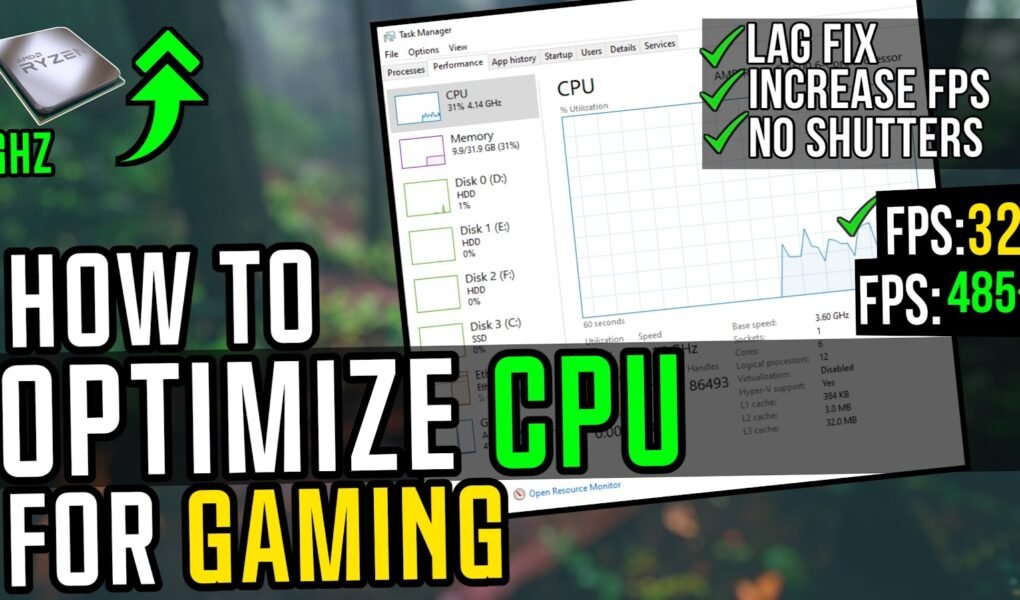
This video shows you How To Optimize CPU/Processor For Gaming for ultimate performance. This guide works with Intel and AMD processors and will optimize your processor for Gaming. No
Simple Tutorial: BEST PC Settings For Wartales To Improve FPS. This helps you to boost your fps & Optimize your Game. Optimize Wartales to boost fps, fix shutters & reduce

It looks like you are using an ad blocker. Ads help keep TechieSavi and our free resources available.
Please whitelist our site or disable your ad blocker.
Open your ad blocker extension.
Pause or whitelist TechieSavi.
Reload the page.
Thank you for supporting TechieSavi!
