????BEST PC Settings For Escape From Tarkov 0.13! To Boost FPS & Fix Shuttering For ANY PC✅
Playing Escape From Tarkov on LOW FPS? This Video Shows you How to optimize your game & visuals to improve your fps in Escape From Tarkov . By the end
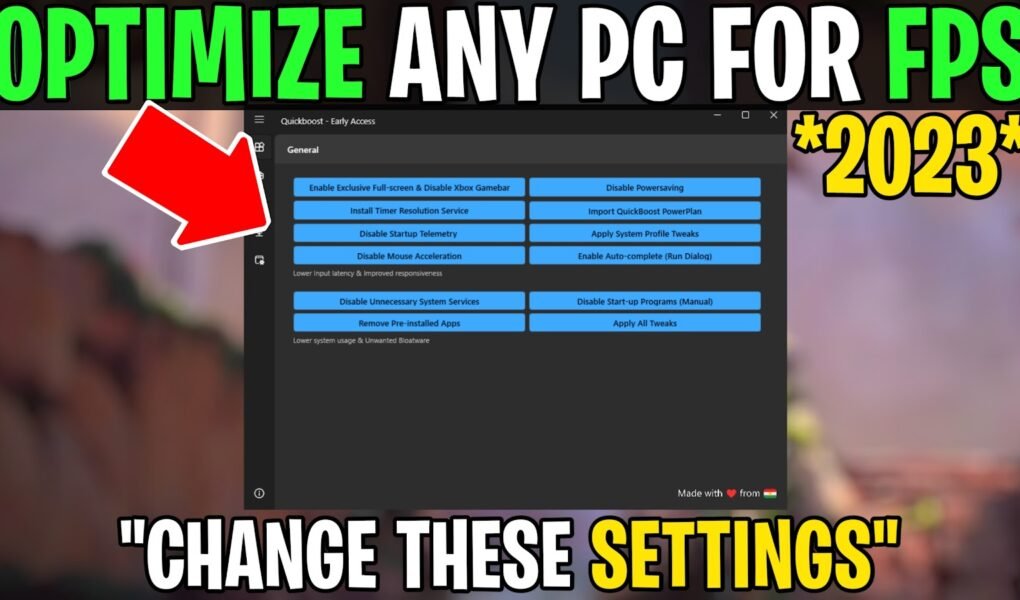
This Video Shows you How to Optimize Windows For GAMING & Improve Performance in 2023. By the end of this video, You should achieve increased FPS in almost every game
This Video Shows you How To OPTIMIZE *Windows* For Gaming & Best Performance with easy fps boost guide and zero(0) Input Delay in Every Game You Play (Fortnite, Valorant, Warzone
This Video Shows you how to do the Best settings To Optimize PC for gaming with 0 input delay and Performance Boost in Every Game You Play (Fortnite, Valorant, Warzone
This Video Shows you how to BOOST FPS & Fix Frame Drops In all the games(Fortnite, Valorant, CSGO, Warzone 2, etc.) you play. No matter what PC hardware you have,
This Video Shows you the best PC Settings you need to optimize & free tool that you can use for FPS Boost & lower input delay all the game you
In this Video, Shows you How To Make Your Games More VIBRANT & COLORFUL. Make Your Game Graphics look better without any FPS Drops. Works With AMD, Intel & Nvidia.
In this Video, Shows you best settings you need to change to optimize your windows to fix FPS Drops & Boost FPS by optimizing windows for gaming & performance. FiveM
This Video Shows you the Best Fortnite Optimization Guide To Boost FPS & Fix FPS Drops In Chapter 4. Fix Fortnite shuttering & reduce your input delay with Maximum visibility.
This Video Shows you “How to fix fortnite crashing & not launching” This will help you to fix fps drops & crashes in fortnite. No matter what PC hardware you
Ads help support TechieSavi and keep our website, guides, and free optimization resources available to everyone.
Please consider whitelisting TechieSavi or disabling your ad blocker to continue.
How to continue:
Open your ad blocker extension.
Pause the ad blocker or whitelist TechieSavi.
Reload the page.
Thank you for supporting TechieSavi!