
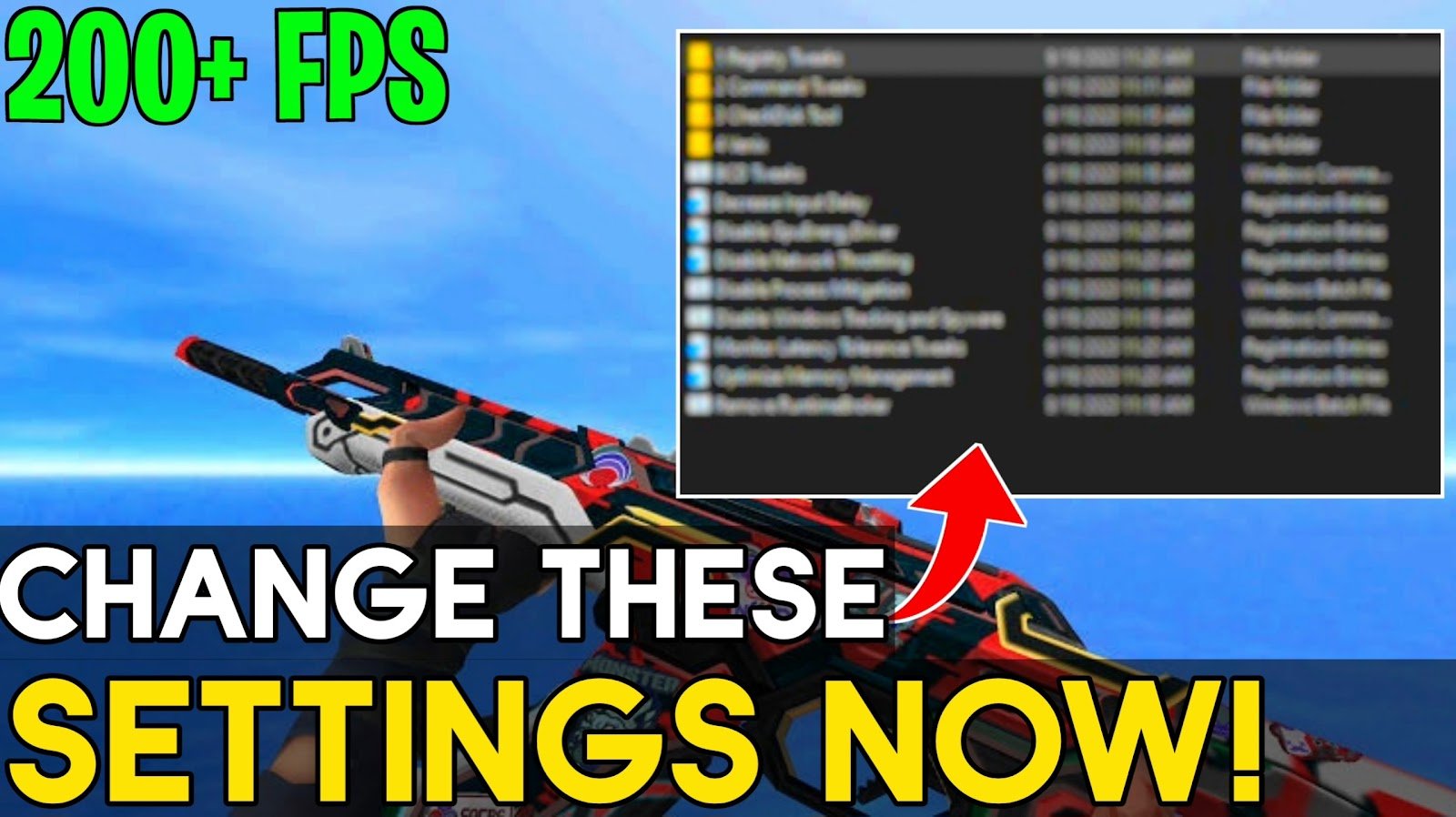
Boost FPS & Lower Input Delay In ANY Game With This NEW Tweak! – (2023) In today’s video, this video will guide you on how to disable GPU energy driver, network throttling, memory management & Disable Process Mitigation with Disable Windows Tracking which have proved to improve performance in many popular games. These settings optimize your game and Increase FPS In Game. I hope you guys enjoyed it helpful, If this video helps you, kindly tell me in comments section below✅.
There is only one pop-up ad on the page, and it opens in a new tab. The channel and the content I provide are supported by these advertisements. To download, first close the advertisement and then click the download option once more. I’m grateful
Don’t forget to Like, Share & Subscribe the channel – Now, it’s all Done – Have fun!


 My OFFICIAL TWITTER is right here! Follow me to receive updates on new content I post.
 This is my OFFICIAL DISCORD, Join the Discord & Become a part of community.
 Subscribe to the channel, Don’t forget to turn on Notification – so you will never miss any update.
 My OFFICIAL INSTAGRAM is right here! Follow me to receive updates on new content I post.
