
The Last of US Part I: ????Boost FPS & Lag FIX – Increase Performance/FPS On ANY PC✅
Guide► Show you How to Improve your FPS in The Last of us Part 1. These Steps helps you to boost your fps & fix lag in The Last of.
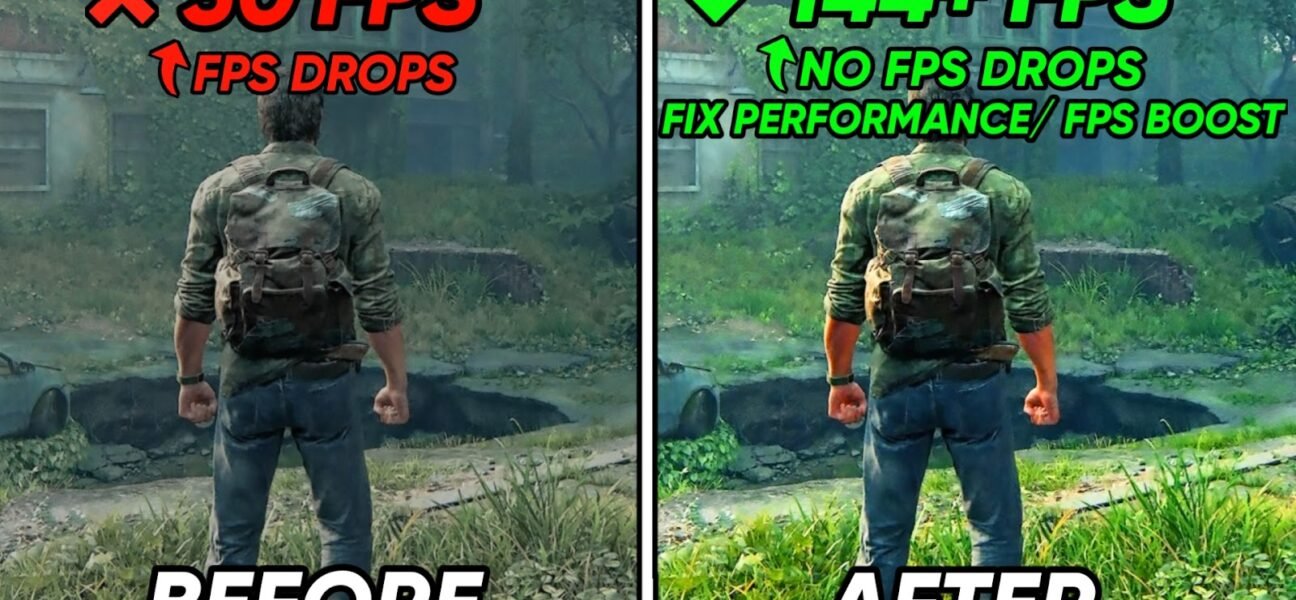
Guide► Show you How to Improve your FPS in The Last of us Part 1. These Steps helps you to boost your fps & fix lag in The Last of.
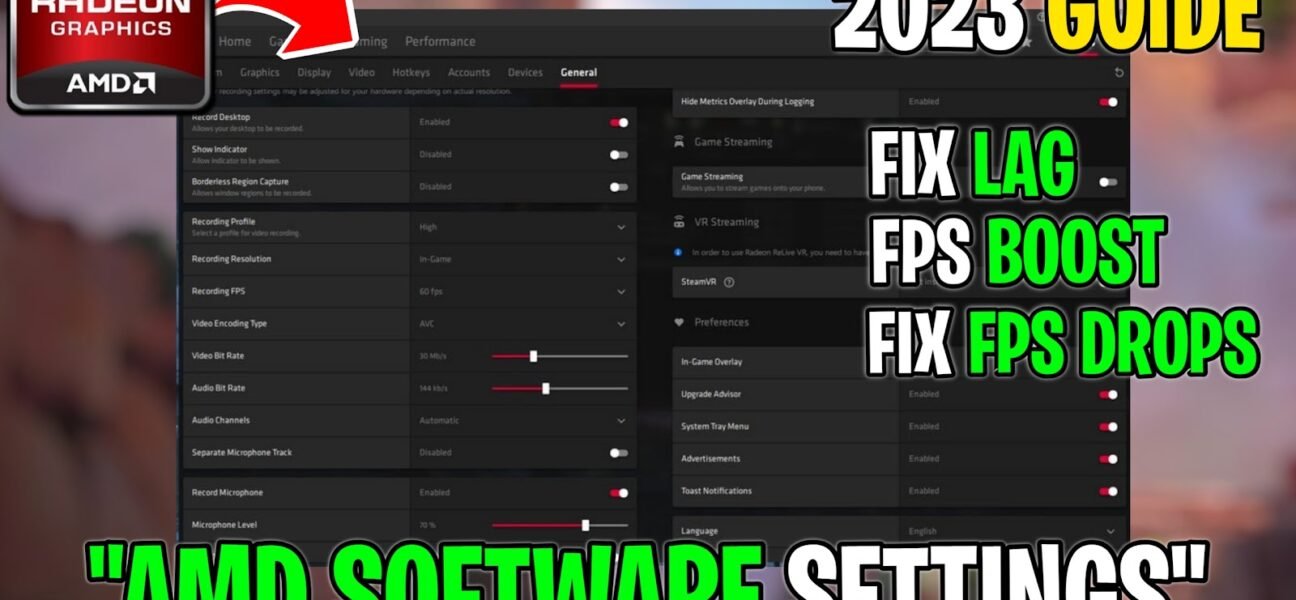
Guide: Show you the best AMD settings for gaming in 2023. These Steps helps you to boost your fps & fix lag in all the games. Use these settings.
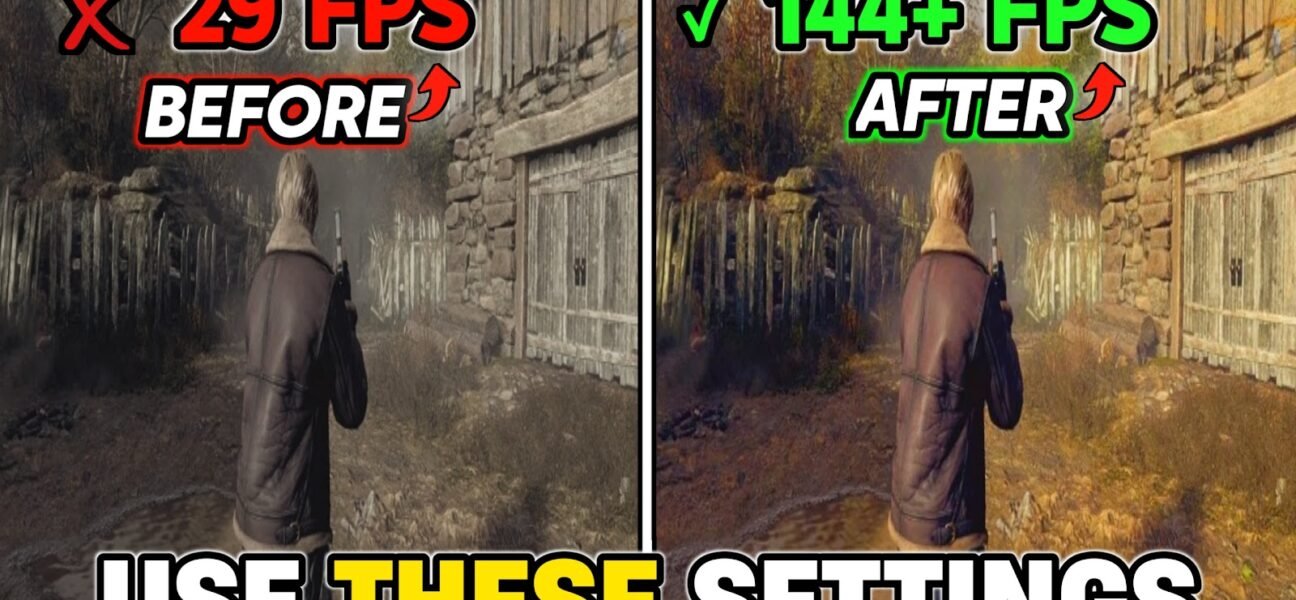
Guide: Shows you to Improve & Boost FPS in Resident Evil 4 Remake, These settings help you to optimize your game & Fix FPS Drops. Use these settings can greatly.
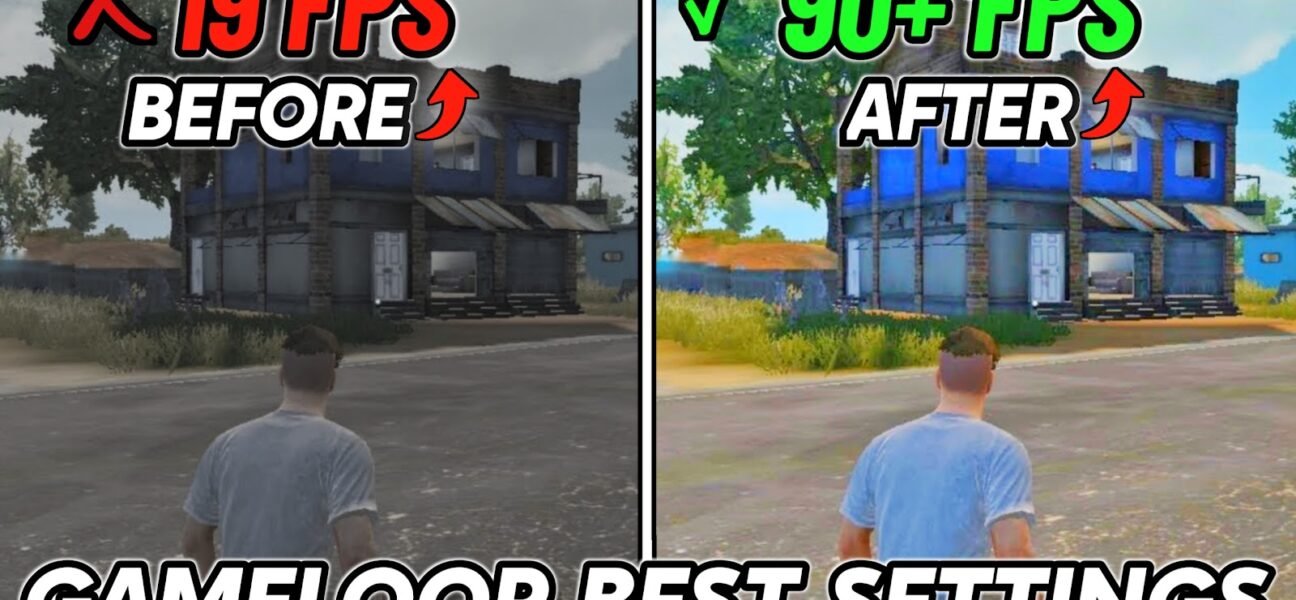
This guide shows you to Boost FPS & Fix FPS Drops in Gameloop, BEST Gameloop settings for Low-end/High-end PC’s. Use these settings can greatly reduce FPS Drops, reduce latency &.
This guide shows you to lower your ping & fix network issues in ANY Game. Use these settings can greatly reduce ping spikes, reduce latency and give you zero input.
Playing WWE 2K23 On low FPS? This guide shows you Improve FPS, Fix FPS Drops, Stutters, and Lag in WWE 2K23. Use these settings can greatly reduce stuttering, lag.
In Today’s video, shows you Boost FPS, Fix FPS Drops, Stutters, and Lag in FiveM. Use these settings can greatly reduce stuttering, lag & improve system performance. You should notice.
In today video, shows you how to lower input delay & improve your FPS in all the GAMES you play including valorant, fortnite, etc. Use these settings can greatly reduce.
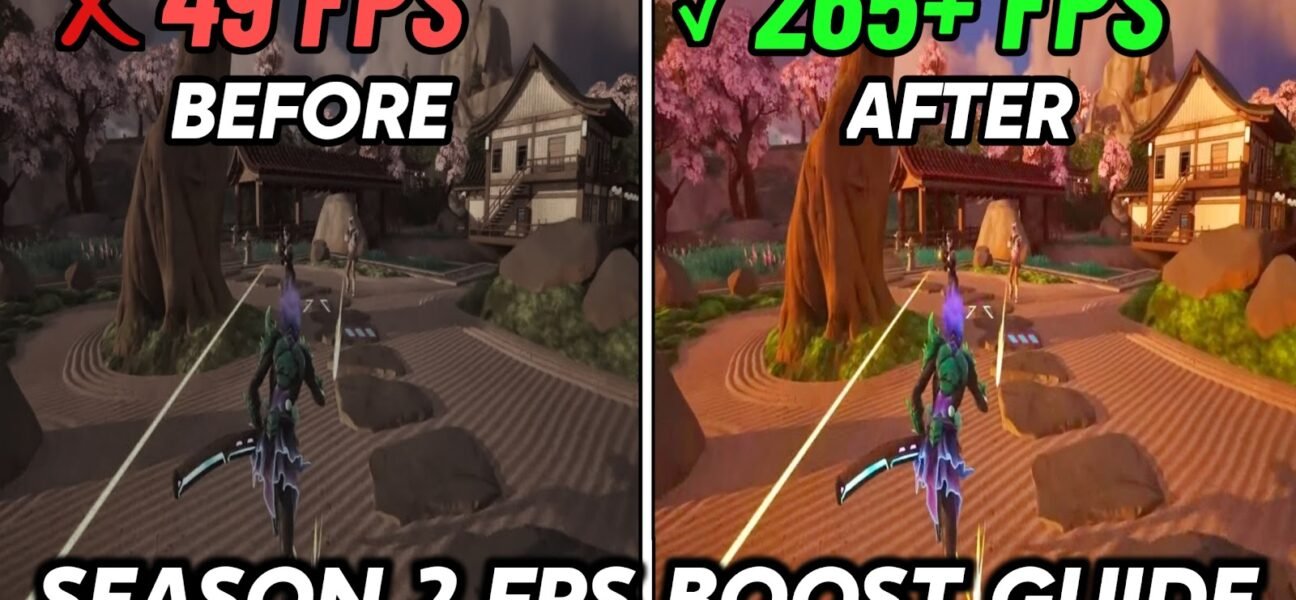
Here’s Fortnite Chapter 4 Season 2: FPS Boost & FIX Input Delay, Fortnite Chapter 4 Best Game Settings✅. Use these settings can greatly reduce stuttering, lag & MAXIMIZE FPS &.
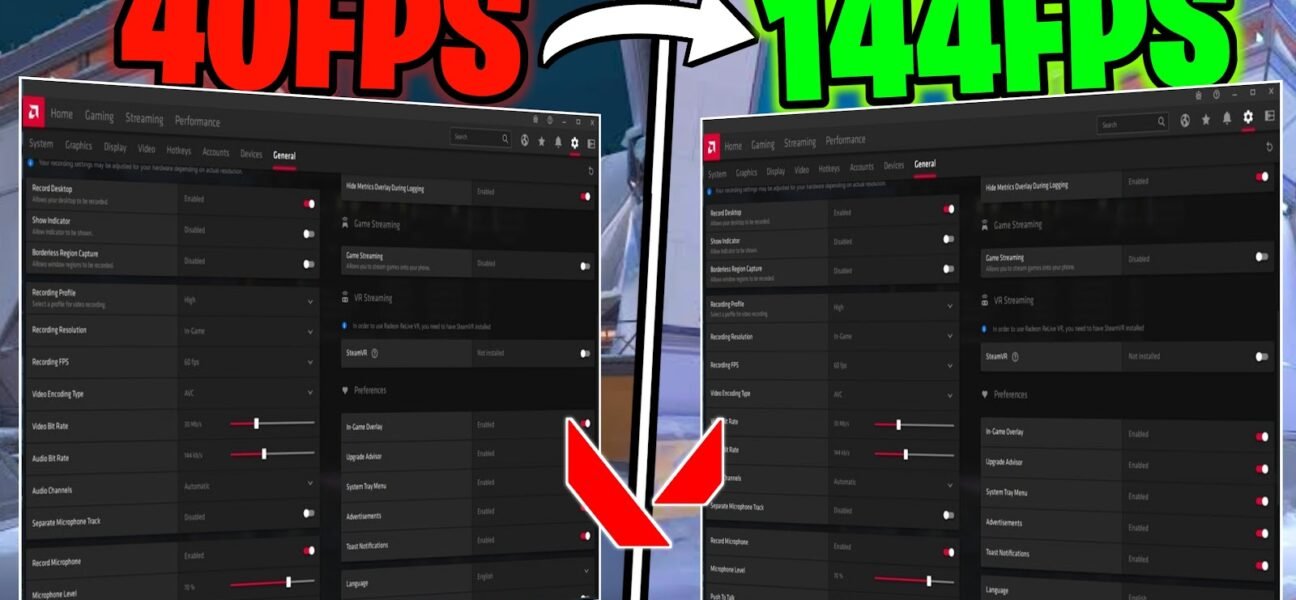
Here’s BEST AMD Settings for Valorant To FPS Boost, Maximum visibility with reduce latency spikes. Use these settings can greatly reduce any stutters, hitches, or lag you have. You should.

It looks like you are using an ad blocker. Ads help keep TechieSavi and our free resources available.
Please whitelist our site or disable your ad blocker.
Open your ad blocker extension.
Pause or whitelist TechieSavi.
Reload the page.
Thank you for supporting TechieSavi!
