
How To Lower INPUT DELAY In All GAMES & Fix Latency! – Get 0 Input Delay *2023
How To Get 0 Input Delay In Valorant & Any Games You Play (Get lower latency). In today’s video I show you the methods you can use to get 0.
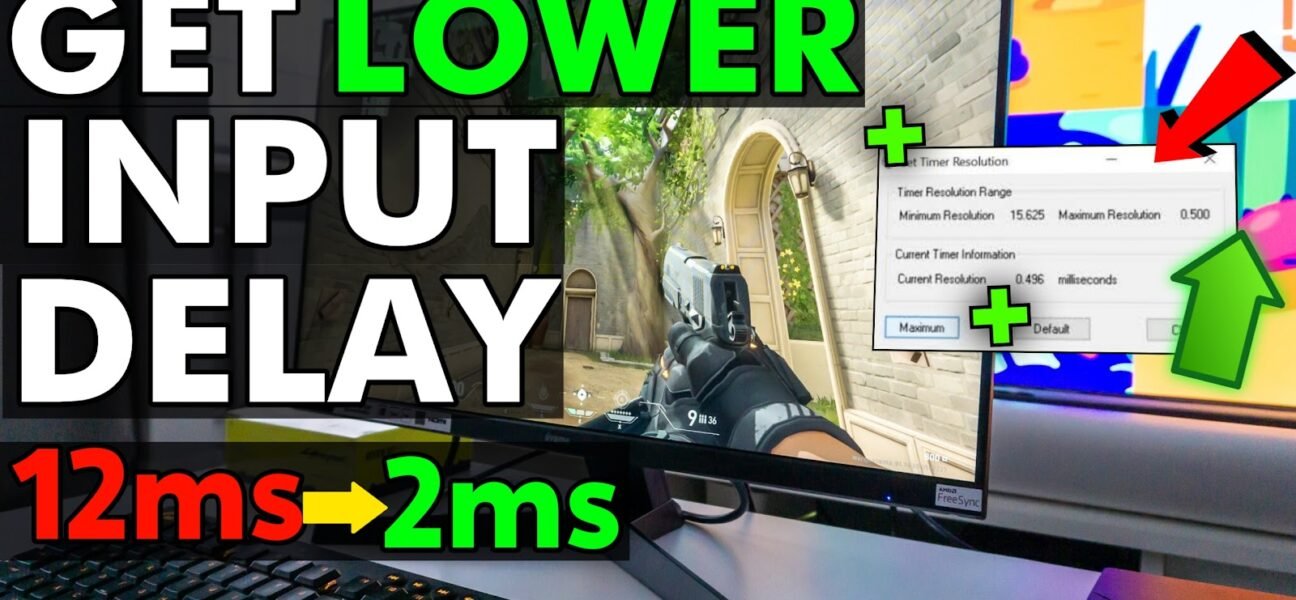
How To Get 0 Input Delay In Valorant & Any Games You Play (Get lower latency). In today’s video I show you the methods you can use to get 0.
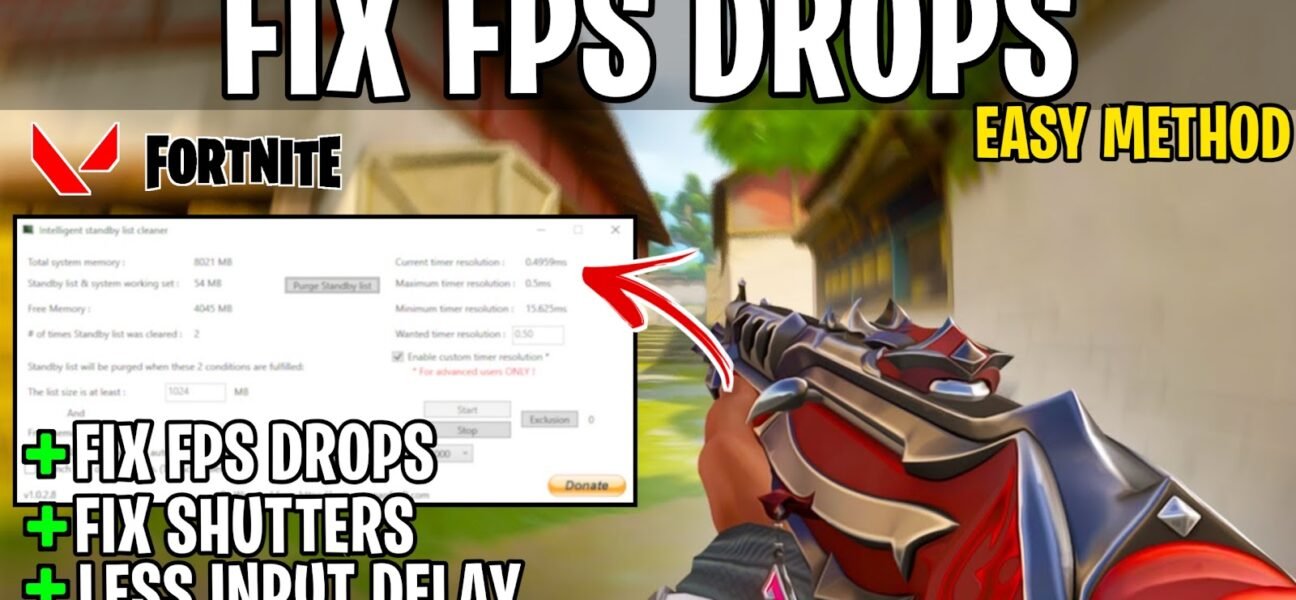
This video shows you a quick & easy method fix FPS Drops and reduce Input Delay in Valorant. This guide helps you to boost your fps & Optimize your Game..
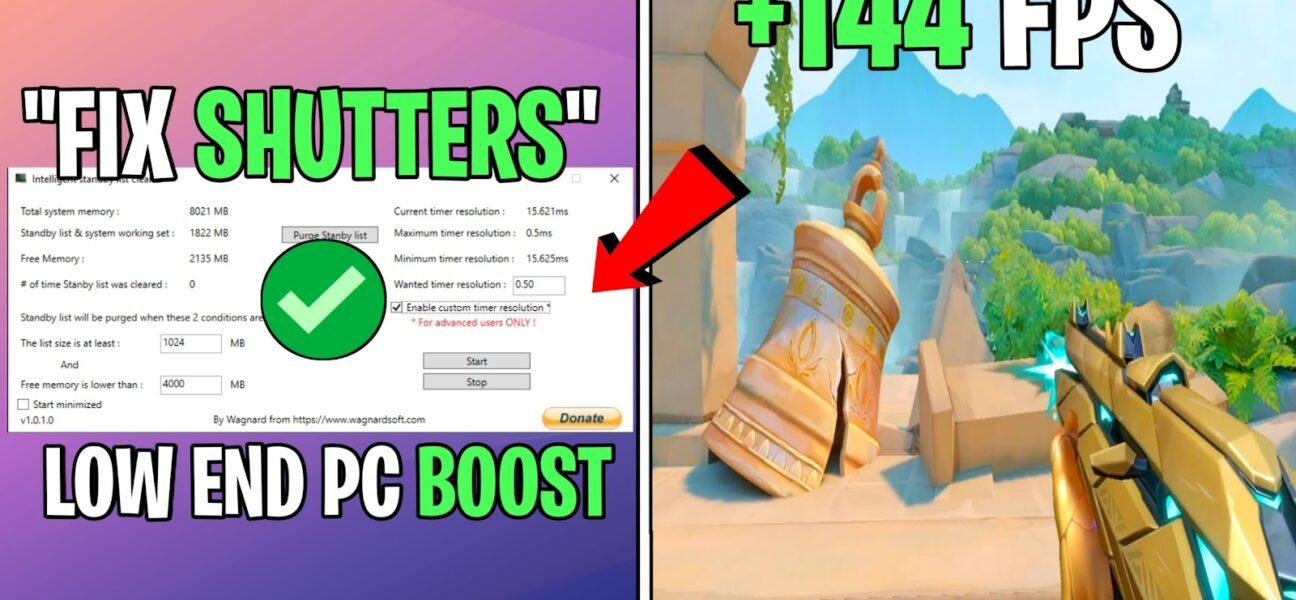
In this video, shows you to fix FPS Drops & shuttering in Valorant or Any Other Game You Play. By the end of this video, You should notice your fps.
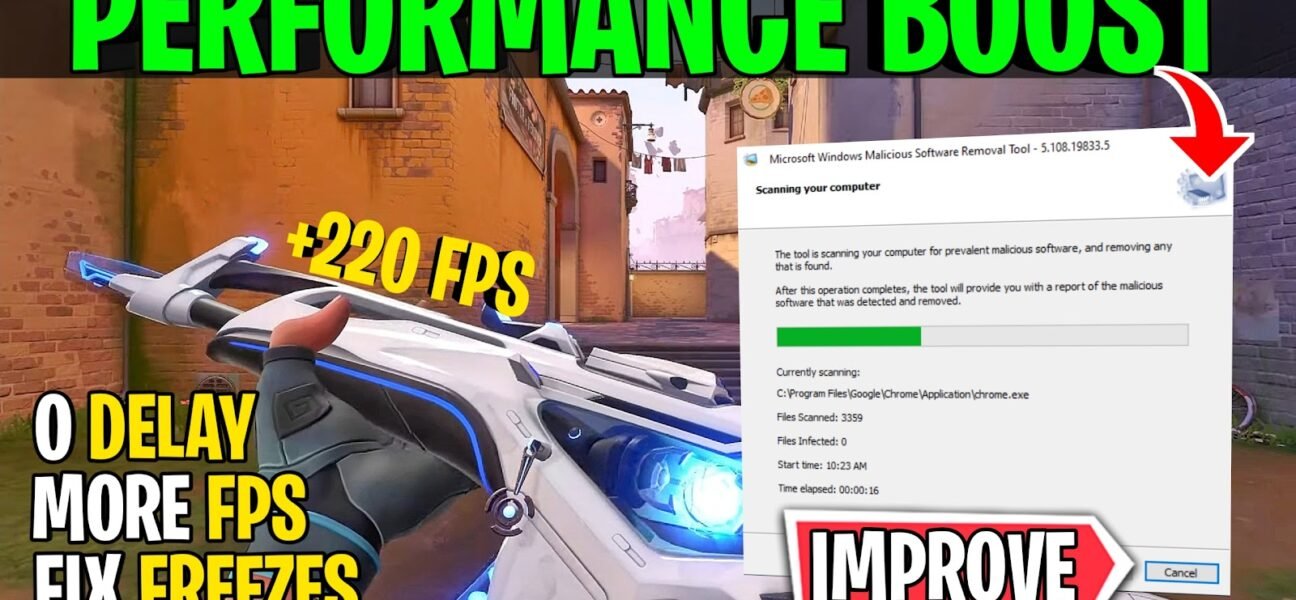
This Video Shows you how to do the Best settings To Optimize PC for gaming with 0 input delay and Performance Boost in Every Game You Play (Fortnite, Valorant, Warzone.
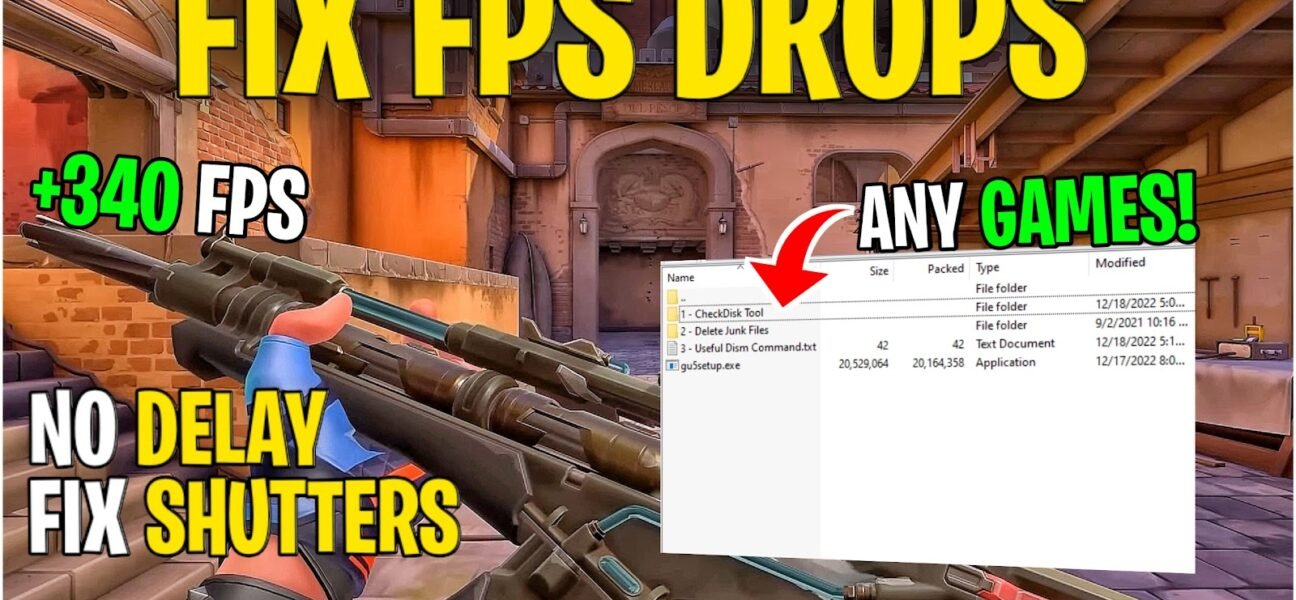
This Video Shows you how to BOOST FPS & Fix Frame Drops In all the games(Fortnite, Valorant, CSGO, Warzone 2, etc.) you play. No matter what PC hardware you have,.
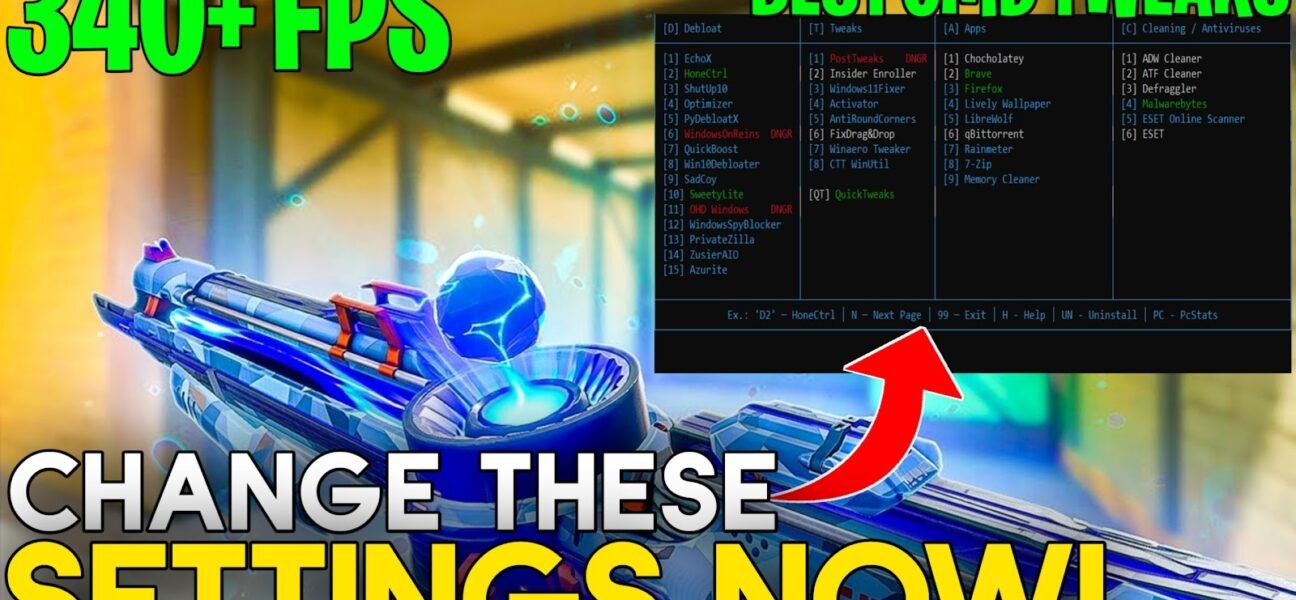
This video shows you best settings you need to change & should use to improve FPS in Games & Fix FPS Drops and shuttering with a lots of improved CMD.
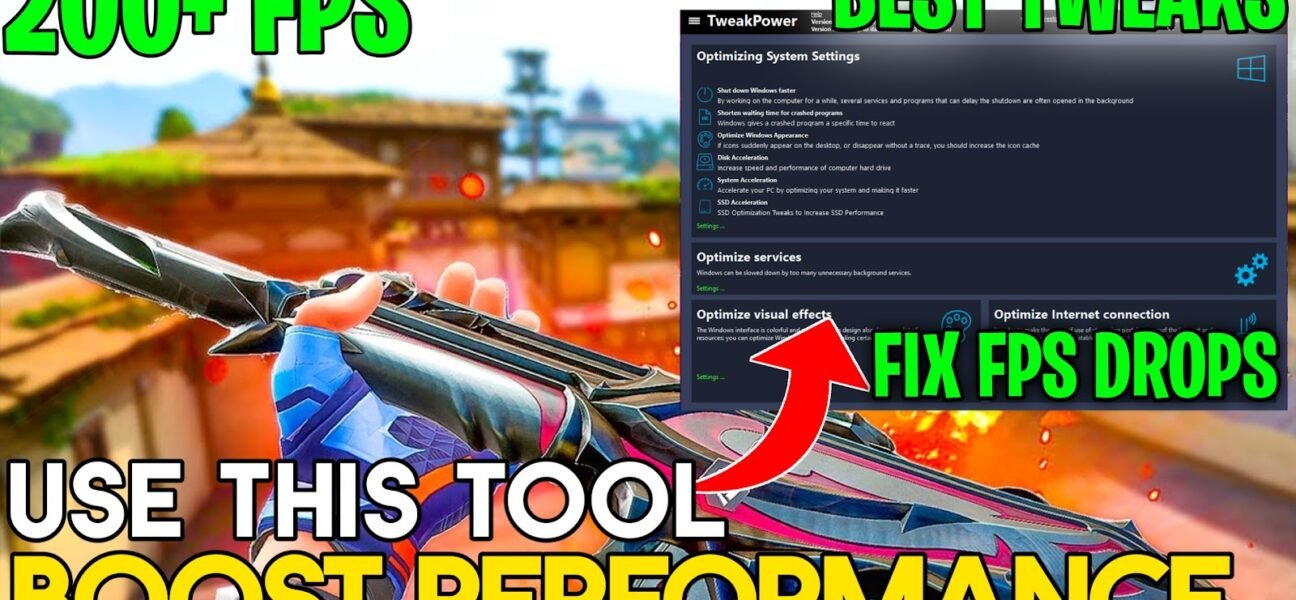
This video will show you Best free Tool you can use for Boost FPS, Fix Input delay in All games & Optimize Your windows for gaming and drastically improve performance..
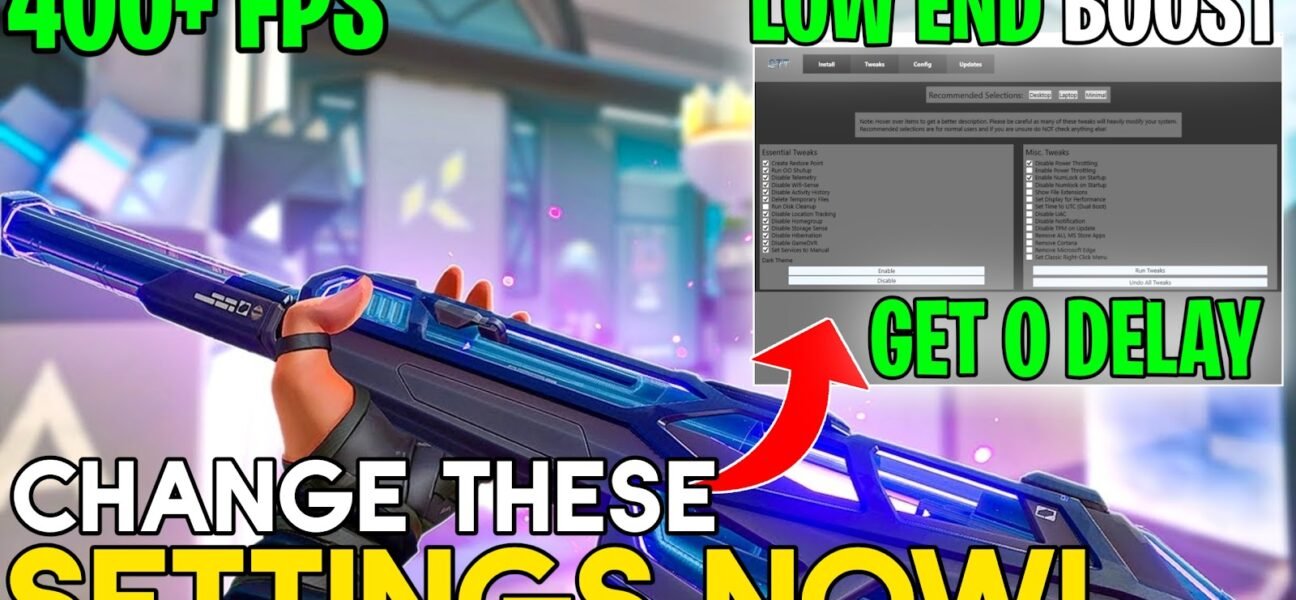
This video will show you the best settings you need for Optimize Windows that helps you to FIX FPS Drops & Game shuttering’s and also get 0 input delay in.
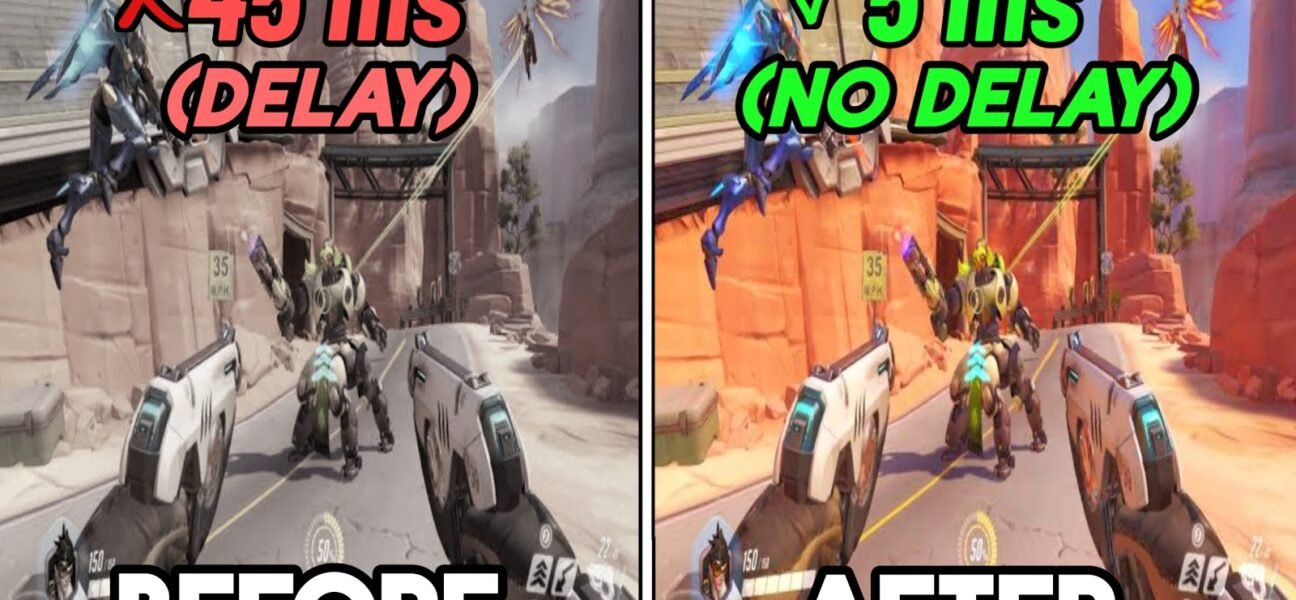
This video will show you how to lowering ping, Fix packet loss, boost your FPS & Reduce input delay on any setup *PC* while playing Overwatch 2. These are the.
This video will show you how to increase your FPS and decrease input lag in Games using a simple tweaks, simplistic changes that you may not be familiar with. These.

It looks like you are using an ad blocker. Ads help keep TechieSavi and our free resources available.
Please whitelist our site or disable your ad blocker.
Open your ad blocker extension.
Pause or whitelist TechieSavi.
Reload the page.
Thank you for supporting TechieSavi!
