
????-Use These Settings To Optimize Windows & FPS Boost In ALL GAMES! – FPS Boost Guide
Playing Games On LOW FPS? Want more FPS in Your ALL GAMES? This video shows you how to Fix FPS Drops & Boost FPS in ALL GAMES By Using an.
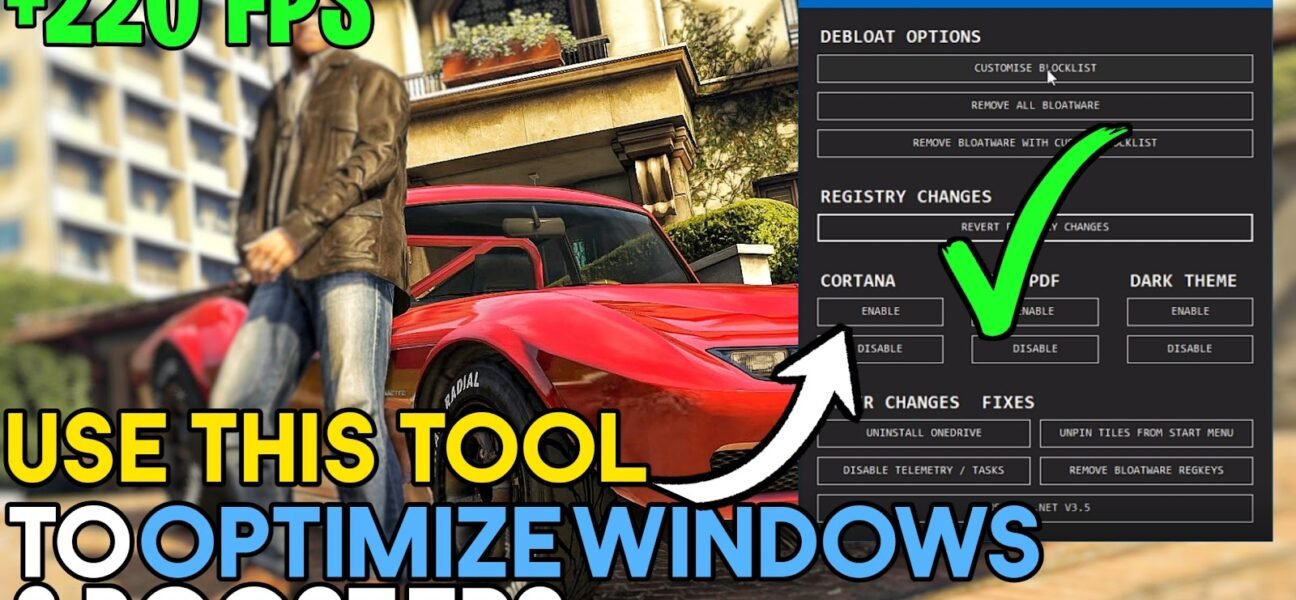
Playing Games On LOW FPS? Want more FPS in Your ALL GAMES? This video shows you how to Fix FPS Drops & Boost FPS in ALL GAMES By Using an.
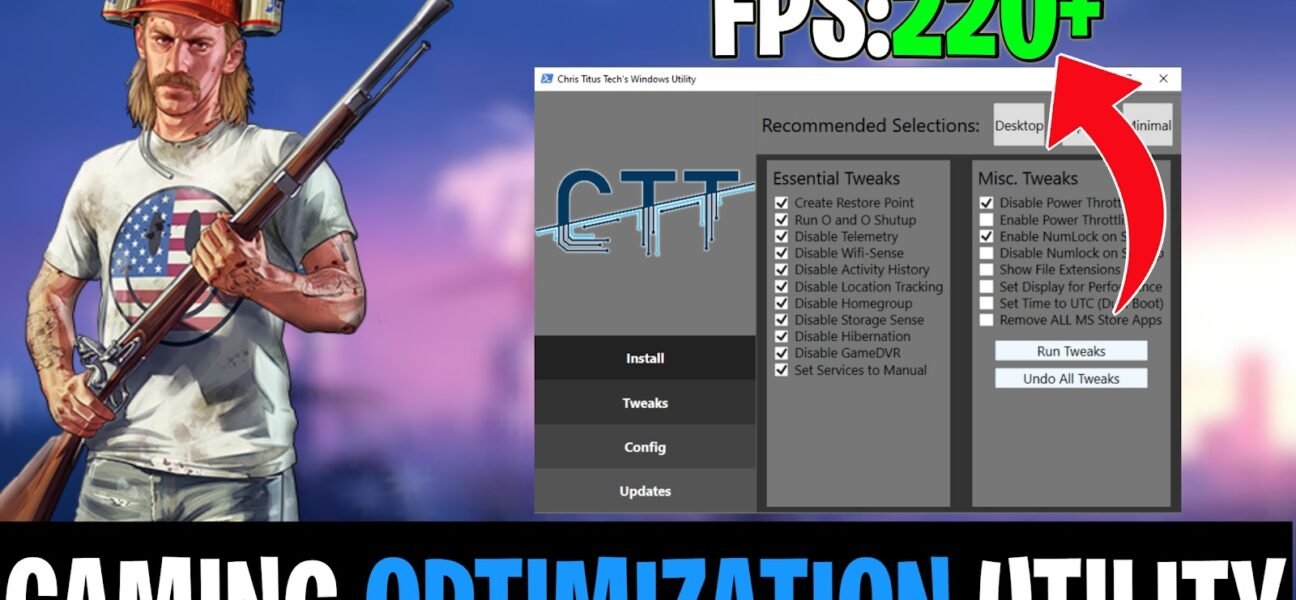
Playing Games on Low-End PC? Want more FPS out of Your GAME? Don’t worry, Watch this Video To Boost FPS, Fix Lag & Shutters in Games. Optimize Windows for gaming.
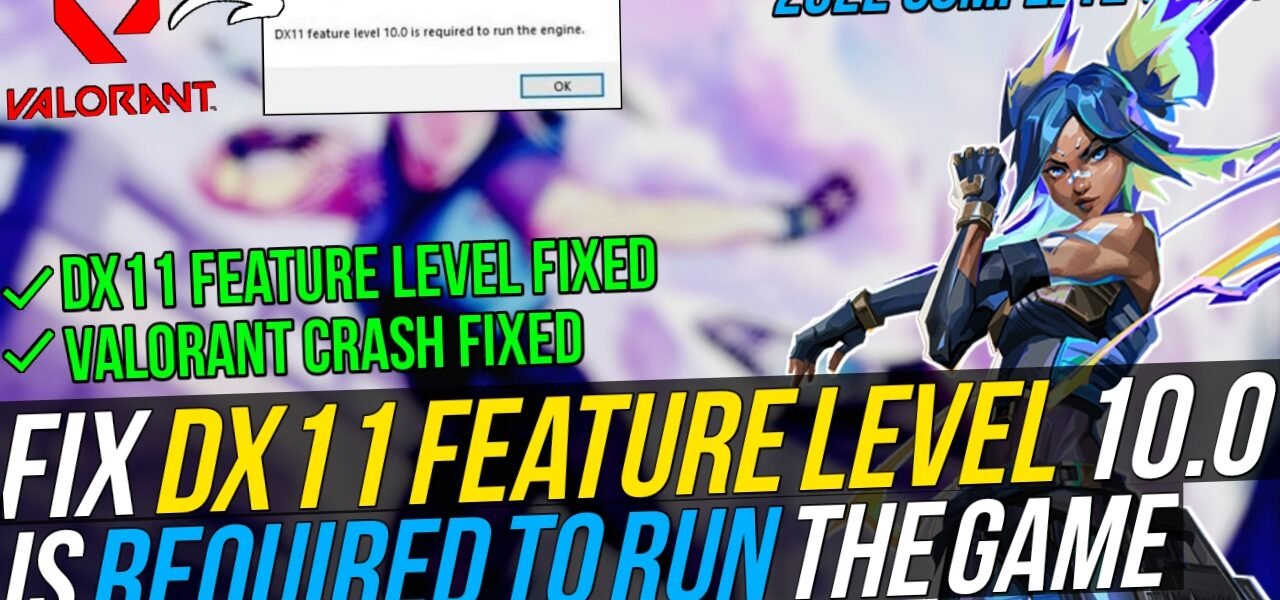
Worry About “DX11 feature level 10.0 is required to run the Game?” Use this method to fix the DX11,Dx10,Vcruntime error in All GAMES (Valorant) FIX the Crashes while launching the GAME.
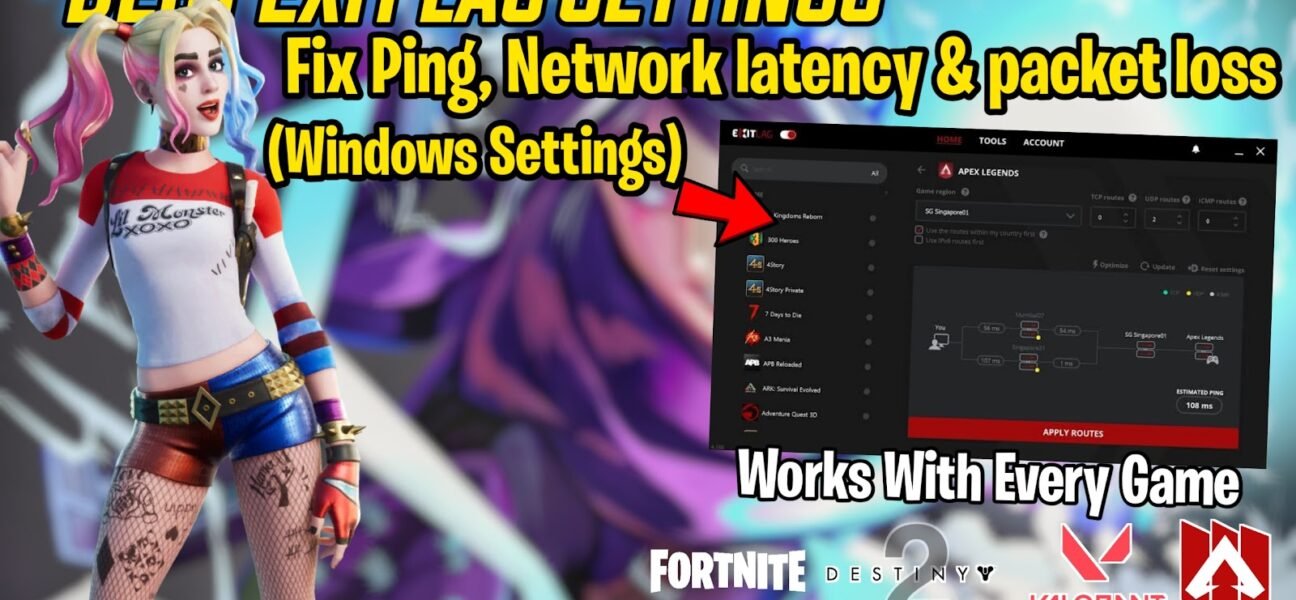
Worry About High Ping/Latency, Packet Loss in GAMES? Use this Method To Reduce Ping, Low latency & Packet loss in ALL GAMES. With Secret Settings To BOOST Your FPS in GAMES.
Wants to optimize WINDOWS? Windows 10 Optimizer helps by scanning for all possible optimizations in different categories and much settings with just one click of a button. Once the optimization.
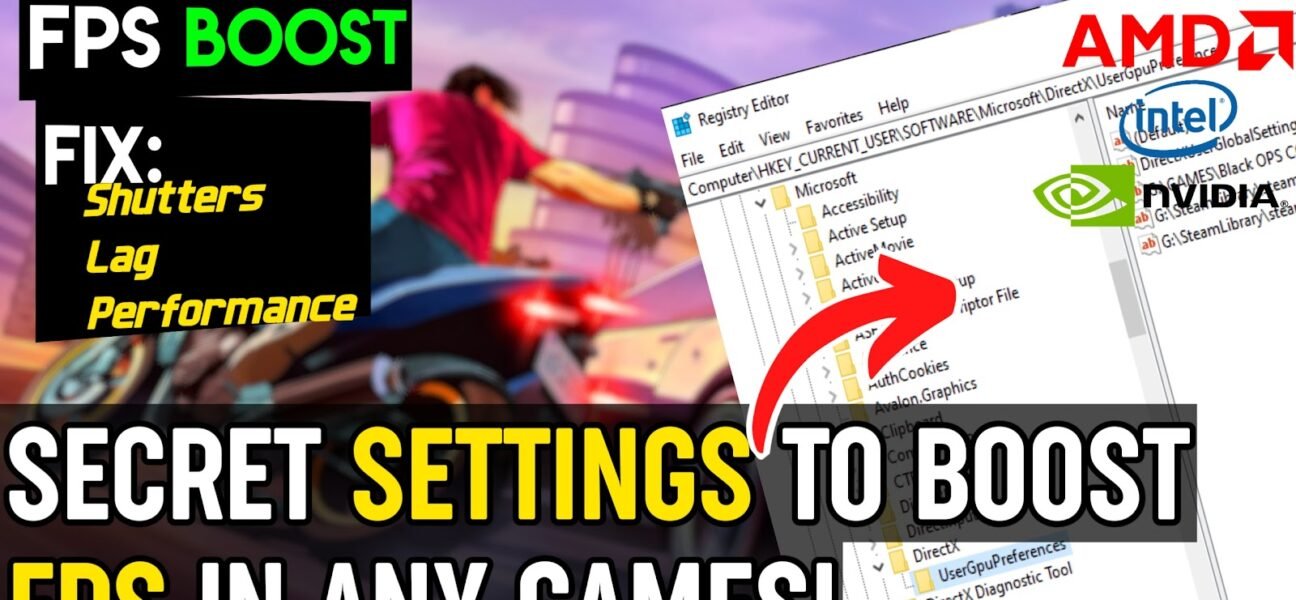
Have Low usage of GPU in Games? Use this new method to setup user GPU Preference for any games. Don’t be worry, there are lot of changes and tweaks, tricks.
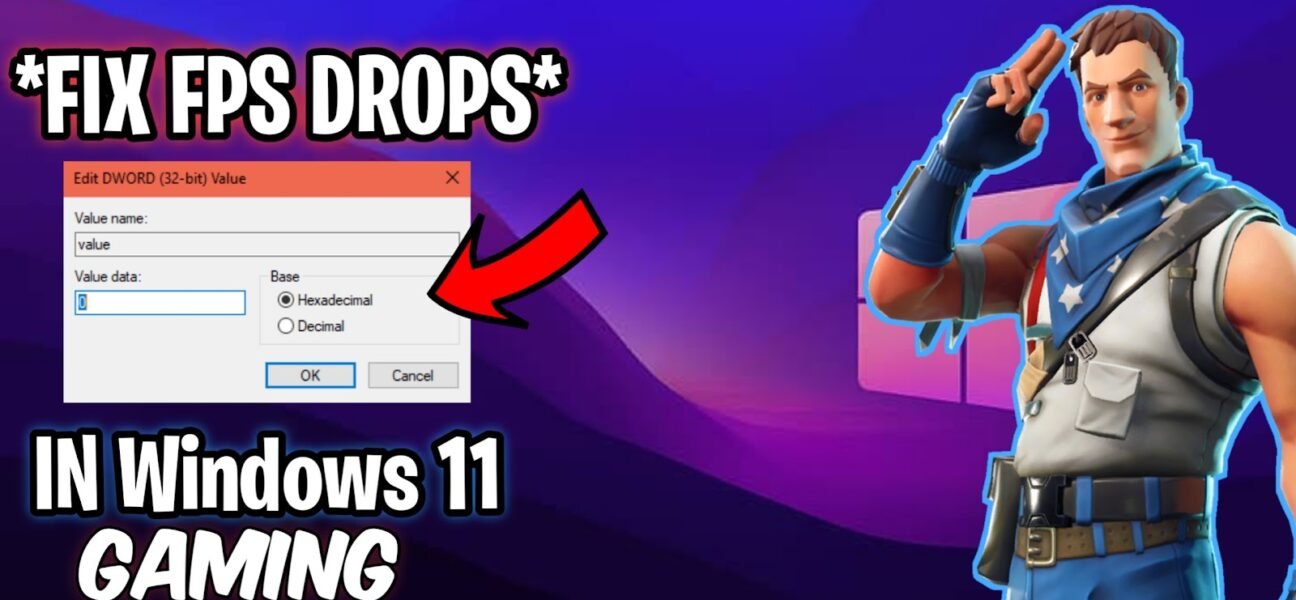
This guide will helps you to fix lag & shuttering causes issues in Windows 11 while Gaming, enhance your FPS and fix the lag in Windows. SKIP ALL ADS There.
Complete Guide To Optimize windows 11 for Gaming & extend your windows performance with this best Guide. How To Optimize Windows 11 for Performance & Gaming – Ultimate Gaming Performance Optimization.
This video, “How To Fix Slow Startup & Boot on Windows 10(2021) | Make Windows 200% Faster than Before”, Fix the boot problems on startup windows, faster boot windows than.

In this video, “Windows 10:Improve System Latency & Performance| Remove Windows Bloatware For Gaming in 2020” Remove the windows bloatware software application to increase the performance! SKIP ALL ADS There.

It looks like you are using an ad blocker. Ads help keep TechieSavi and our free resources available.
Please whitelist our site or disable your ad blocker.
Open your ad blocker extension.
Pause or whitelist TechieSavi.
Reload the page.
Thank you for supporting TechieSavi!
